

Galaxy Projector Safety: Risks and Easy Precautions

Are there risks of using Galaxy projectors?
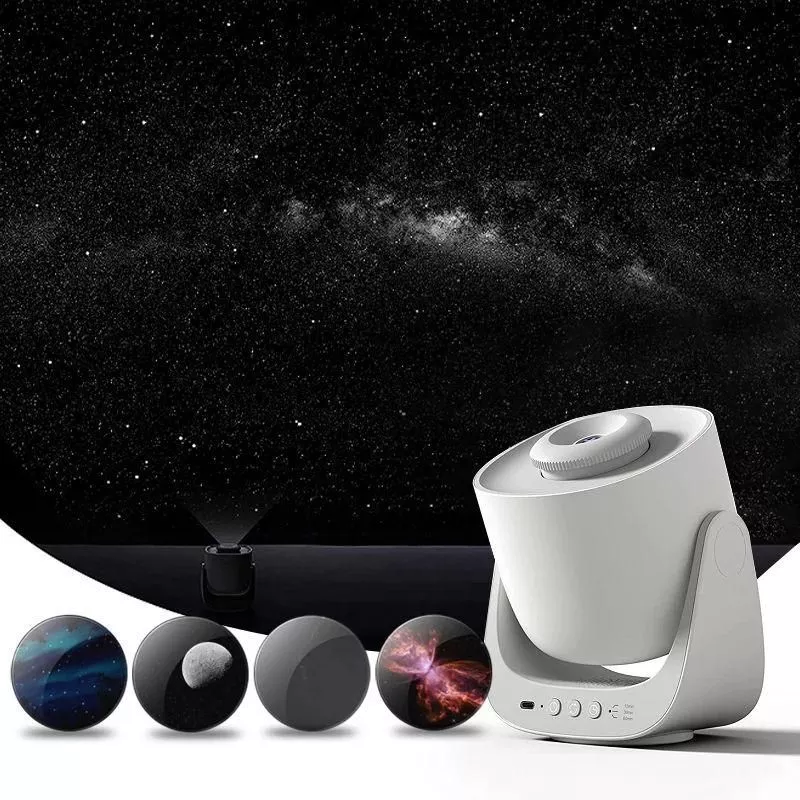
Galaxy projectors are generally low-risk for home use, but like any electronic light, they’re safest when used with a few common-sense precautions. Most concerns come down to eye comfort, overheating, electrical safety, and how the light affects sleep.
Potential risks to watch for
Eye discomfort: Staring directly into bright LEDs or laser-style effects can cause temporary eye strain or afterimages. Avoid aiming the projector at eye level, and don’t encourage kids to look into the light source.
Sleep disruption: Very bright light or cool/blue tones can make it harder to wind down. If you’re using a galaxy projector as a night light, choose dimmer settings, warmer colors when available, and consider a timer so it turns off after you fall asleep.
Heat and ventilation: Some models can get warm during long runs. Keep vents unblocked, place the unit on a hard surface (not bedding), and don’t cover it with blankets or pillows.
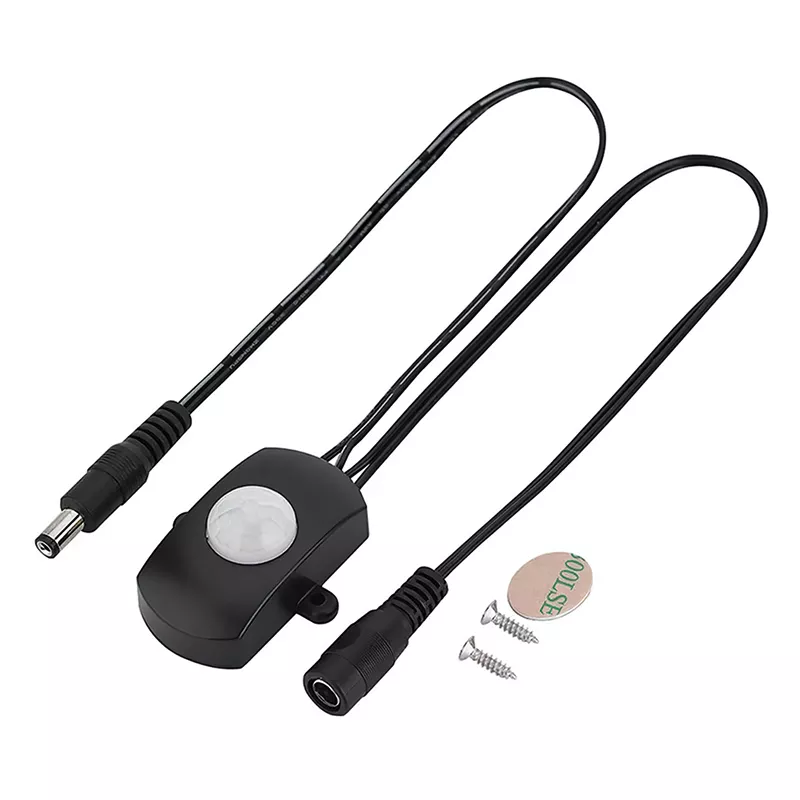
Electrical and fire safety: Use the included power adapter (or a reputable replacement with the same specs), keep cords out of walkways, and unplug if you notice flickering, a burning smell, or abnormal heat. Avoid using damaged cables.
Kids and pets: Small parts, cords, and curious hands can create hazards. Place the projector where it can’t be pulled down, and use child-safe brightness levels.
How to use a galaxy projector more safely
Set it up on a stable, ventilated surface, angle it away from faces, keep brightness moderate, and use built-in timers or auto-off features when possible. For more step-by-step setup and sleep-friendly tips, visit this galaxy projector setup and sleep guide.
FAQ
Can I leave a galaxy projector on all night?
It depends on the model, but it’s usually better to use a timer or auto-off to reduce heat buildup and minimize light exposure during deep sleep. If you do run it overnight, ensure it has good ventilation and isn’t covered or placed on bedding.













Leave a comment