

WiFi Digital Photo Frame: Share Photos Instantly
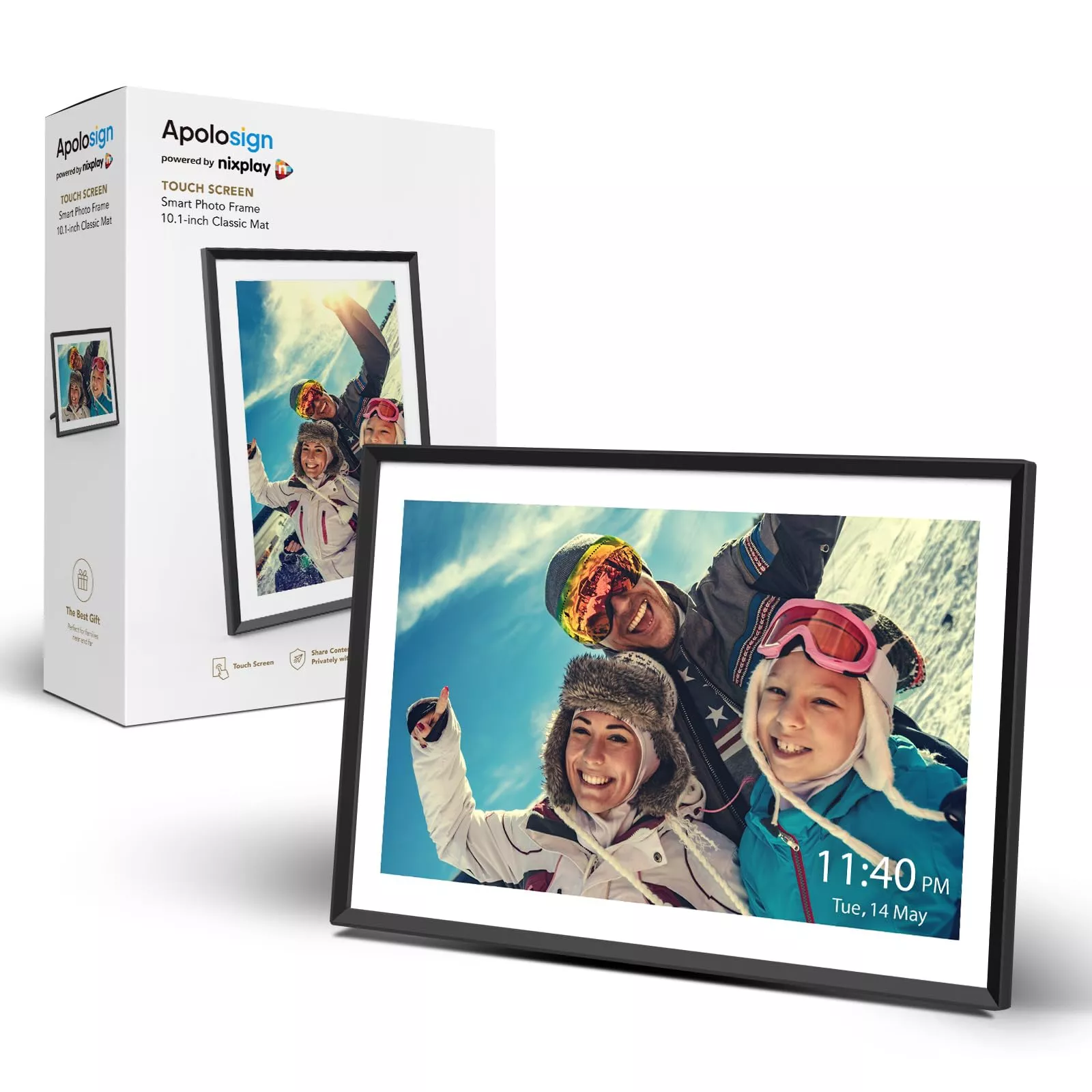
WiFi Digital Photo Frame: A Simple Way to Share and Display Memories
A WiFi digital photo frame keeps favorite moments visible—without the hassle of swapping SD cards or plugging in a USB drive every time there’s a new photo. Once connected to your home network, many frames can receive pictures from a phone app, a shared family album, or a cloud-based service, turning everyday spaces into a living photo wall. With the right screen size, display quality, and sharing controls, a WiFi photo frame can become a daily centerpiece for family photos—especially for gifting and long-distance sharing.
What a WiFi Photo Frame Does (and Why It’s Different)
Traditional digital frames usually rely on removable storage. A WiFi frame, by contrast, is designed for ongoing updates—so the photos on display can change as quickly as life does.
- Receives new photos over WiFi from a phone app or shared album, so the display stays current.
- Works well for families who want to send pictures to one place—grandparents’ homes, kitchens, offices, or living rooms.
- Often supports playlists, slideshows, and basic on-frame settings like brightness, rotation, and timing.
- Reduces the “out of sight, out of mind” problem of photos stuck on phones by putting them into everyday view.
Key Features That Matter Most
Frames may look similar on the outside, but the day-to-day experience depends on a few details that are easy to overlook.
- Screen size and aspect ratio: 10.1 inches is a popular balance—large enough to enjoy from across a room without overwhelming a desk or shelf.
- Resolution and panel type: Higher resolution improves sharpness for portraits and landscapes; wide viewing angles help when the frame is seen from the side.
- Auto-rotate and orientation: Useful for switching between portrait and landscape photos without manual edits.
- Storage options: Look for internal storage and/or support for USB or microSD for offline viewing.
- App experience: Fast uploads, easy invites for family members, and clear privacy controls keep sharing stress-free.
- Remote sharing controls: Approvals, albums, or limited-access sharing can prevent unwanted uploads when multiple people contribute.
- Power and placement: Consider whether it will live on a counter, shelf, or wall—and whether a visible cord is acceptable.
Quick Comparison: WiFi vs. Non‑WiFi Digital Frames
Both types can run a slideshow, but they fit different households. If photos are constantly being taken and shared, WiFi models typically feel more “alive.” If the location has unreliable internet, non‑WiFi may be simpler.
| Feature | WiFi digital frame | Non‑WiFi digital frame |
|---|---|---|
| How photos are added | Phone app / shared album / cloud sync | SD card / USB transfer |
| Best for | Family sharing, frequent updates | Offline use, simple looping slideshow |
| Setup needed | WiFi + app pairing | Insert storage device |
| Ongoing maintenance | Occasional app updates, account permissions | Occasional file refresh via card/USB |
| Privacy considerations | Account access, sharing invites | Local-only (usually simpler) |
Display and Slideshow Settings to Look For
The display should be comfortable in the room it’s used in—bright and vibrant during the day, but not glaring at night. Good slideshow controls also help the frame feel like part of the space instead of a constant distraction.
- Brightness controls: A frame that’s too bright at night can be distracting; one that’s too dim in daylight can look washed out.
- Slideshow timing: Flexible intervals (seconds to minutes) help match the room—fast for gatherings, slower for everyday viewing.
- Sleep schedule: Automatic on/off hours reduce burn-in risk and keep bedrooms or living rooms darker at night.
- Transition styles: Subtle transitions often feel calmer for daily use.
- Photo fit options: “Fill” vs. “fit” helps avoid awkward cropping or heavy black bars depending on the image.
Privacy, Sharing, and Network Security Basics
Because WiFi frames involve accounts, apps, and network access, it’s worth setting them up with the same care as any other connected device.
- Choose frames that support modern WiFi security (WPA2 or WPA3). For background, see the Wi‑Fi Alliance security overview.
- Use invite-based sharing so only approved family members can send photos.
- Set simple ground rules for group sharing (albums by family, no duplicates, avoid very large batches at once).
- Review cloud/app permissions periodically and remove access for old phones or inactive accounts.
- Place the frame on a guest network if available; NIST’s home network security guidance is a helpful reference for safe setup habits.
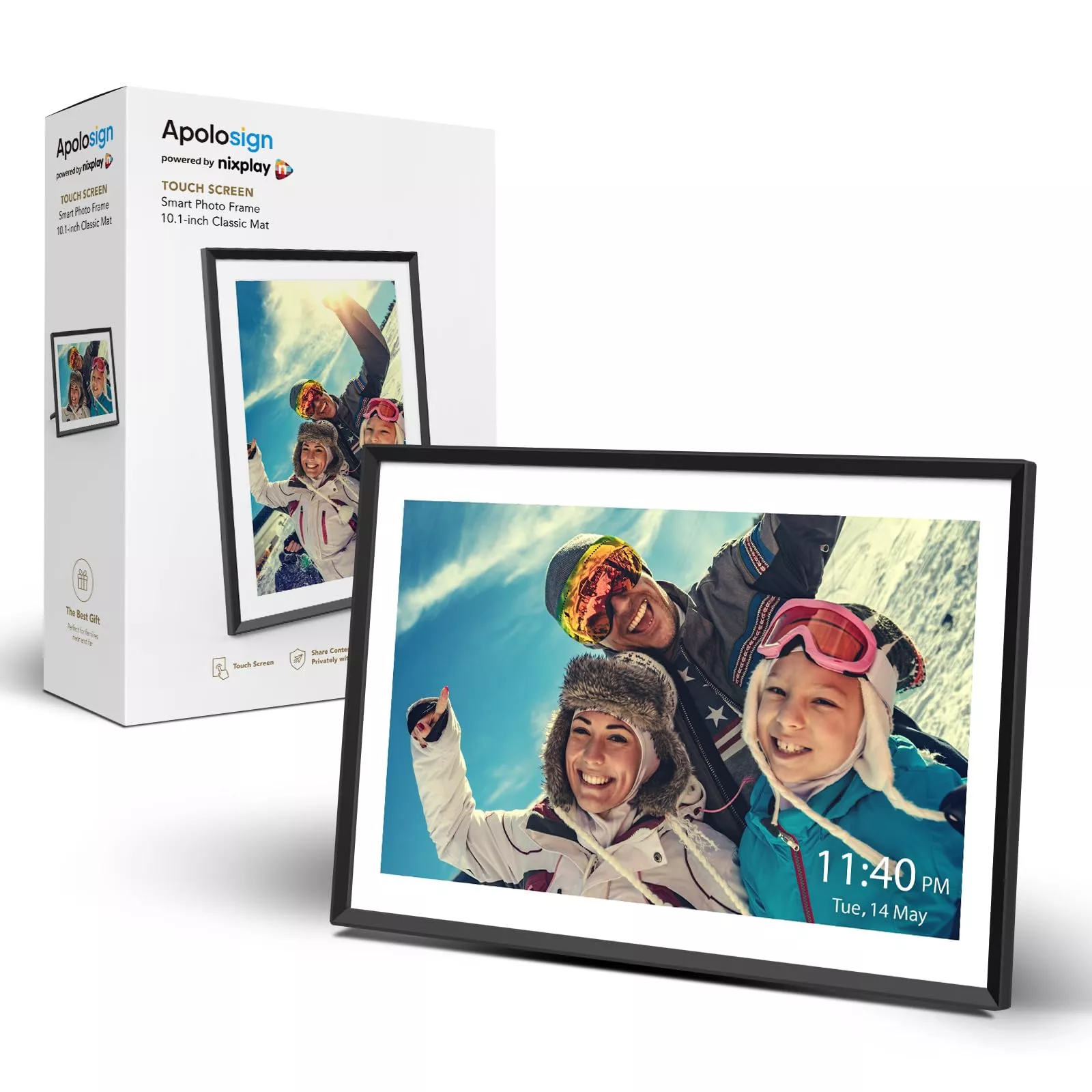
A Solid Everyday Option: 10.1” WiFi Digital Photo Frame
A 10.1-inch WiFi frame fits comfortably in the places people actually spend time—kitchens, living rooms, hallways, and office shelves—without feeling oversized. It’s also a sweet spot for viewing distance: large enough to appreciate faces and details, but still tidy on a counter or side table.
At-a-glance details
| Item | Detail |
|---|---|
| Product | 10.1” WiFi Digital Photo Frame |
| Price | 79.67 USD |
| Availability | In stock |
| Product page | https://luxjoy.shop/10-1-wifi-digital-photo-frame/ |
Setup Tips for a Smooth First Day
Common Issues and Quick Fixes
More Giftable Finds (In Stock)
FAQ
Do WiFi digital photo frames need a subscription?
Many WiFi frames work without a subscription for basic sending and displaying photos. Some brands offer optional paid plans for extra storage, advanced cloud features, or expanded sharing tools, so it’s worth checking the frame’s app and product listing details.
Can multiple people send photos to the same frame?
Yes—multi-sender sharing is common, usually through invite-based access. Using albums (and simple family etiquette like avoiding huge back-to-back batches) helps keep the photo stream organized.
Will a WiFi photo frame work without internet?
Remote photo sending typically requires internet access, but most frames can still display photos that are already synced. Many models also support offline viewing via internal storage, USB, or a memory card.














Leave a comment