

Android 11 Projector Setup: 580 ANSI, WiFi 6 & BT 5.0
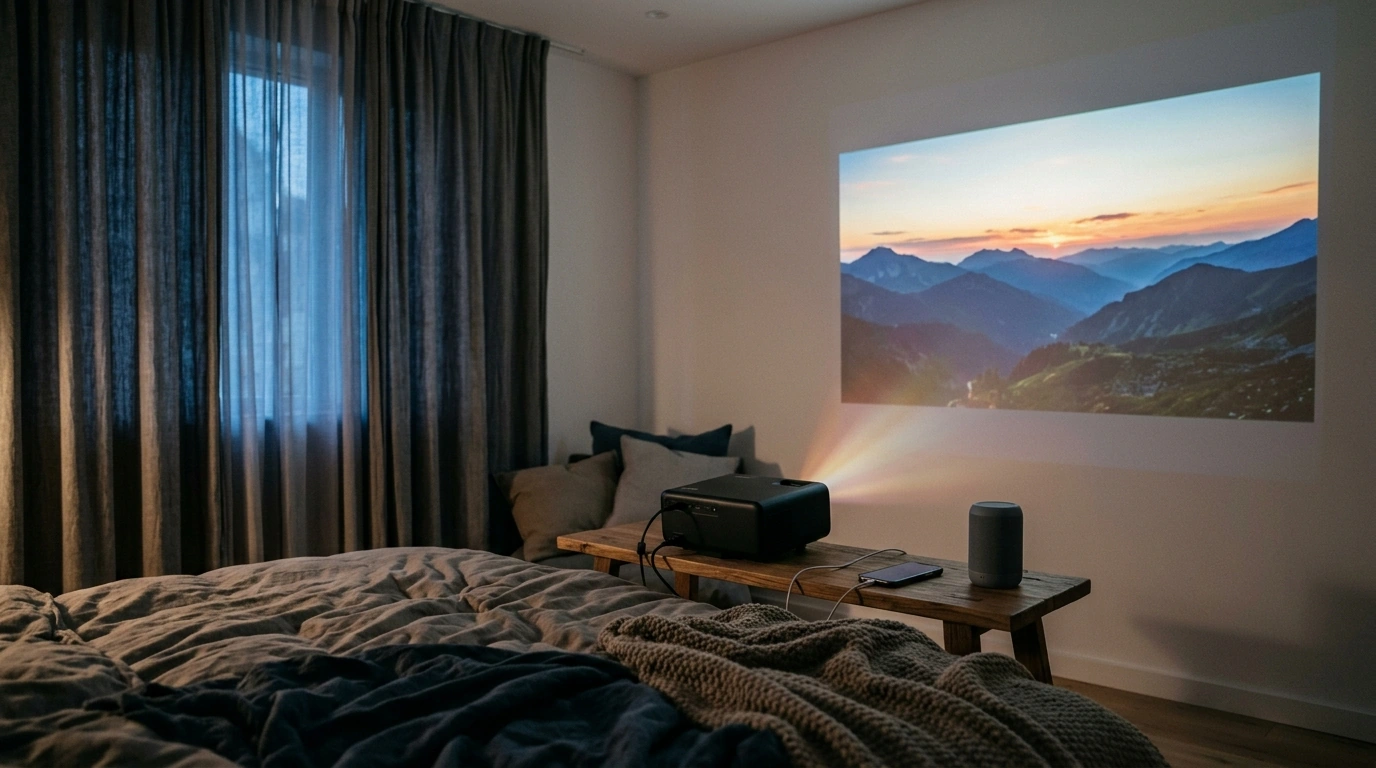
Everyday Home Cinema Setup with an Android 11 Projector
A compact Android-powered projector can be an easy swap for a TV when the goal is a big picture without a permanent mount or a bulky screen dominating the room. The 4K Android 11 Home Projector with 580 ANSI Lumens, WiFi6, and BT5.0 is built around convenience: an Android 11 interface for app-based streaming, modern WiFi 6 for steadier casting on busy networks, and Bluetooth 5.0 for quick audio upgrades—great for bedrooms, apartments, and occasional travel movie nights. For more guidance, see Projector – Amazon.com.
Who This Projector Fits Best
- Apartment and bedroom viewing where a large screen is wanted without a permanent TV mount
- Families who want fast access to streaming apps through a familiar Android interface
- Wireless-first setups that rely on casting, mirroring, and Bluetooth speakers
- Occasional outdoor or travel movie nights where portability matters more than daytime brightness
- Gift buyers looking for a feature-rich projector without adding an extra streaming box
Highlights That Matter in Daily Use
- Android 11 built-in: keeps navigation familiar and reduces reliance on external streaming sticks.
- 580 ANSI lumens: best for dim rooms and evening viewing; the picture benefits a lot from curtains and controlled light.
- WiFi 6 support: designed to manage congested networks more efficiently for streaming and mirroring (learn more from the Wi‑Fi Alliance Wi‑Fi 6 overview).
- Bluetooth 5.0: simple pairing to soundbars, headphones, or portable speakers for fuller sound (Bluetooth background: Bluetooth Core Specification overview).
- 4K content support: plays high-resolution sources, while the projector’s native resolution and setup determine final on-screen detail.
Room Setup: Brightness, Screen Size, and Placement
Projector happiness is mostly about the room. With 580 ANSI lumens, the easiest win is controlling light: turn off ceiling fixtures, block sunlight, and keep direct light off the wall or screen. Then choose a screen size that matches your space—bigger images spread the same light over a larger area, so they look dimmer than a smaller picture.
- For best image: use a darker room, reduce ceiling lights, and avoid direct light on the screen/wall.
- Pick a practical image size; very large images ask more of your projection surface and room lighting.
- Keep the projector level and centered to minimize keystone correction and preserve sharpness.
- A smooth white wall works, but a dedicated screen often improves perceived contrast and uniformity.
- Leave ventilation space around the unit to manage heat during longer sessions.
Quick Setup Guide for Common Home Scenarios
| Scenario | Suggested image size | Lighting tips | Audio suggestion |
|---|---|---|---|
| Bedroom movie nights | 70–100 in | Use lamps behind seating; avoid light near the screen | Bluetooth speaker or compact soundbar |
| Living room evenings | 90–120 in | Close curtains; dim overhead lighting | Soundbar via Bluetooth for clearer dialogue |
| Outdoor after dark | 100–150 in | Start after sunset; avoid streetlights on the screen | Portable Bluetooth speaker with long battery |
| Kids’ cartoons and casual viewing | 60–90 in | Moderate room lighting is fine; keep screen smaller | Built-in audio or small Bluetooth speaker |
Streaming and Casting with Android 11 + WiFi6
With Android 11 on board, the projector can function as a self-contained streaming hub—browse apps, search for content, and launch shows without plugging in an extra stick. If you’re coming from a smart TV interface, the learning curve is minimal, and Android TV basics are well documented (see Android TV help and device basics).
- Use the Android interface for installed streaming apps and simple content discovery.
- WiFi 6 can improve stability on busy home networks, especially when multiple devices are streaming at once.
- For mirroring: keep the projector and phone on the same network; reduce distance to the router if dropouts occur.
- If a stream buffers: lower in-app resolution, pause other downloads, or move closer to the router.
- For long movies: aim for a stable Wi‑Fi signal and avoid interference from microwaves or crowded 2.4 GHz channels.
Bluetooth 5.0 Audio: Simple Upgrade for Movies and Games
Small built-in projector speakers can work for casual viewing, but Bluetooth audio is usually the fastest quality jump—without running cables across walkways. Pairing a soundbar can make dialogue clearer, while a portable speaker can be perfect for outdoor nights.
- Bluetooth pairing adds bigger sound without cluttering the room with wires.
- Soundbars typically improve dialogue clarity and bass over compact built-in speakers.
- Headphones are ideal for late-night viewing; check comfort and latency.
- If audio feels out of sync: try a different Bluetooth device, disable extra processing modes, or switch to wired audio when available.
- Place speakers closer to the viewing area to improve clarity at lower volume.
Using 4K Sources and Getting a Sharp Picture
“4K support” usually describes playback compatibility (accepting and decoding 4K sources). The perceived sharpness on the wall is influenced by focus accuracy, distance, and how much digital correction is applied.
Care, Longevity, and Everyday Convenience
Product Snapshot
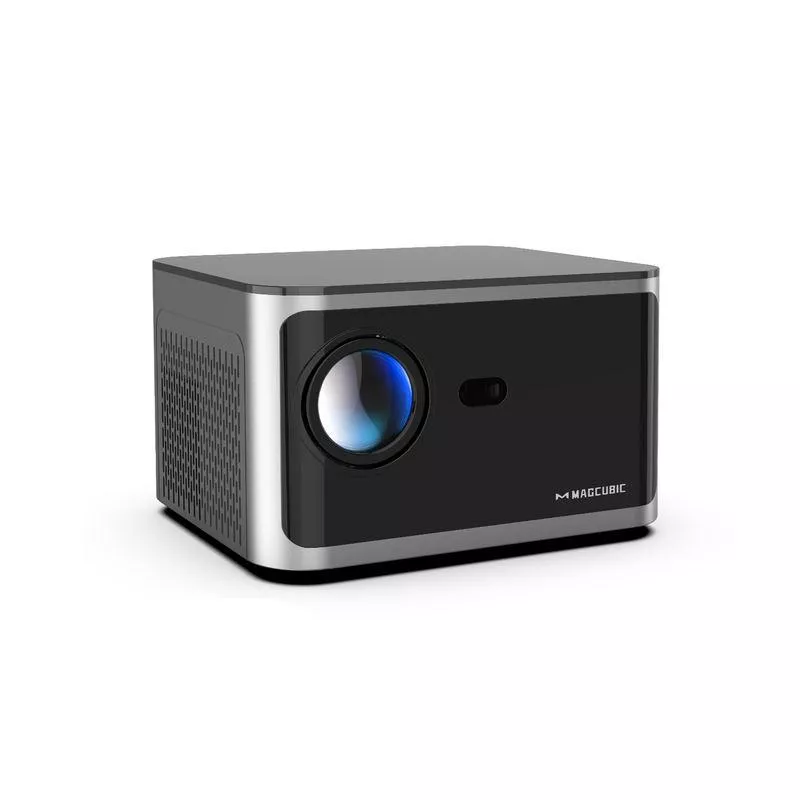
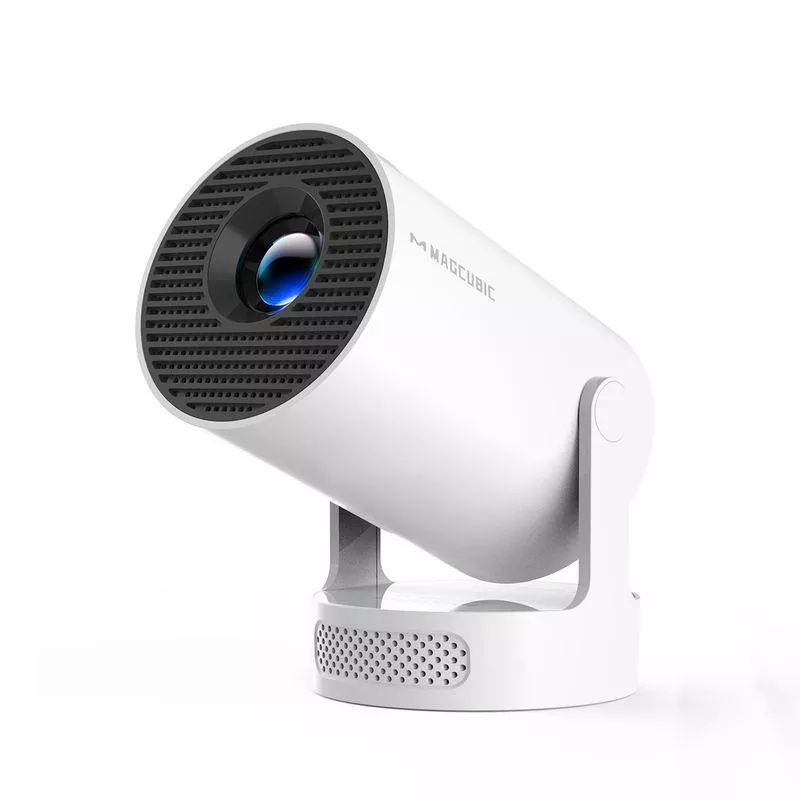
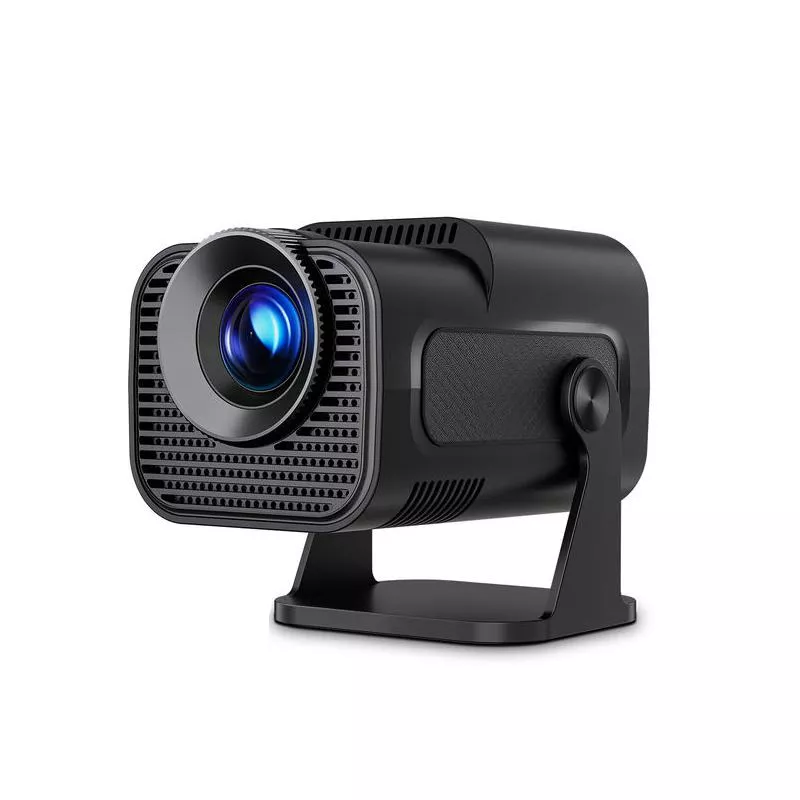
- Model: 4K Android 11 Home Projector with 580 ANSI Lumens, WiFi6, and BT5.0
- Designed for: convenient streaming, wireless audio, and flexible room-to-room viewing
- Current availability: in stock
- Price: $75.01
More In-Stock Picks
FAQ
Is 580 ANSI lumens bright enough for a living room?
It’s best for dim rooms or evening viewing. For brighter living rooms, closing curtains and choosing a slightly smaller image size helps the picture look punchier.
Can Bluetooth speakers cause audio delay?
Yes, some Bluetooth speakers and headphones can introduce latency. If lip-sync feels off, try another device, enable low-latency modes if available, or use a wired audio connection when possible.
Does 4K support mean the projector displays native 4K?
Not necessarily—4K support typically means it can accept and play 4K content. The on-screen detail depends on the projector’s native resolution plus setup factors like focus, alignment, and projection surface.













Leave a comment