

Portable Laptop Desk: Adjustable Height Ergonomic Setup
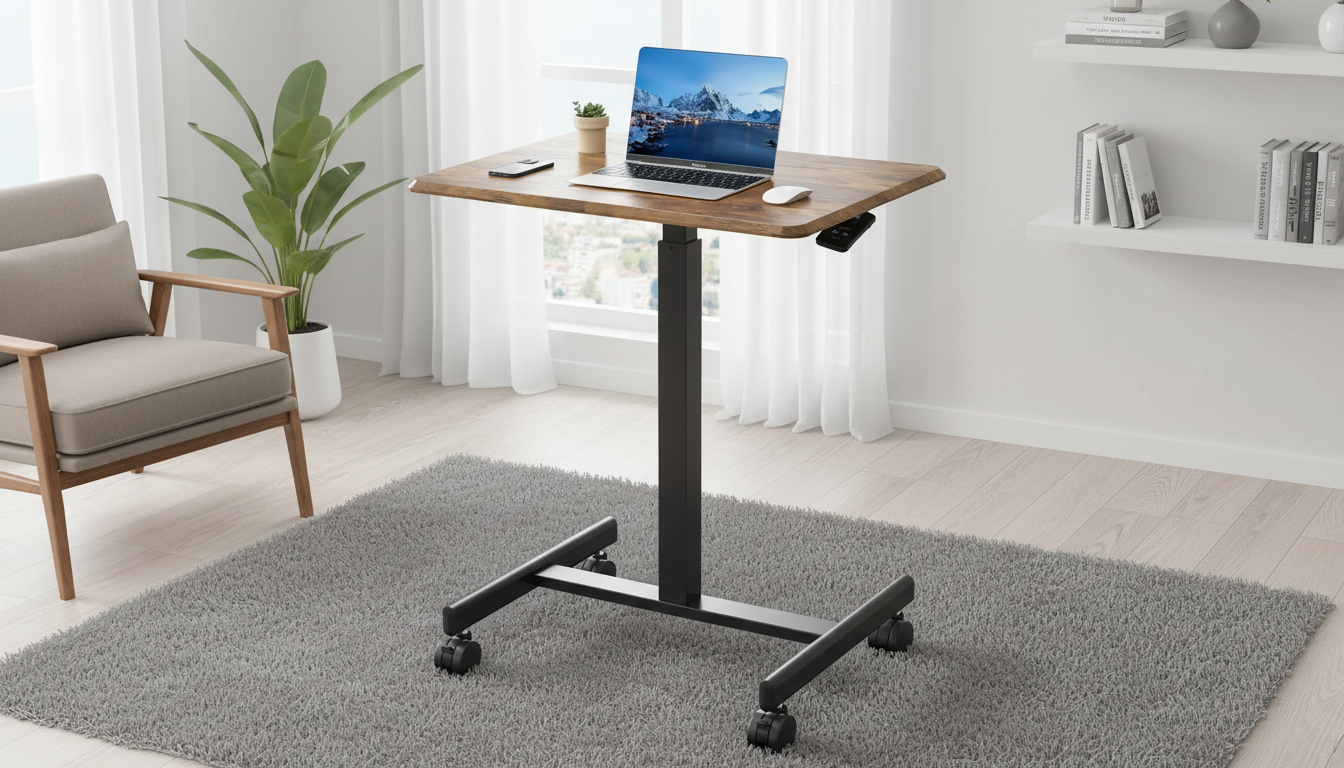
Portable Height-Adjustable Laptop Desk: Comfort, Posture, and Productivity Anywhere
A portable height-adjustable laptop desk helps create a more comfortable workspace on the couch, bed, or at a table—without committing to a full-size standing desk. The right setup reduces neck and wrist strain, improves airflow around your device, and makes it easier to switch between tasks throughout the day.
What a portable height-adjustable laptop desk is best for
- Flexible work zones: living room, kitchen table, dorm rooms, RVs, and small apartments where a dedicated office isn’t realistic.
- Hybrid routines: switching between seated, perched, and standing positions to stay comfortable during long days.
- Ergonomic upgrades without rearranging furniture: raise your screen and bring input devices closer without buying a new chair or desk.
- Laptop ventilation and cable management: keeps your device off soft surfaces and helps route charging cords to the side.
- Beyond laptops: tablets, notebooks, drawing, reading, or even a stable surface for breakfast-in-bed.
Key comfort features that make the biggest difference
- Height range: enough adjustment to keep elbows near 90° while seated and to raise the screen closer to eye level when needed.
- Stability: a wide base and secure leg design reduce wobble during typing (especially on uneven cushions).
- Top surface size: aim for room for your laptop plus a mouse area—or plan space beside it for an external mouse pad.
- Tilt options: a gentle angle can reduce wrist extension; a flat mode is better for writing, drawing, and meals.
- Edge stop or lip: helps prevent the laptop from sliding if you tilt the surface.
- Portability: foldable design and manageable weight make it easier to move room-to-room and store in a closet.
- Build materials: easy-to-clean surfaces and sturdy joints matter for long-term use—especially if you fold it daily.
Quick comparison: desk styles and who they suit
Portable desks come in a few common formats. The best choice depends on where you work most often and how much adjustment you need.
Common portable desk styles at a glance
| Style | Best for | Trade-offs |
|---|---|---|
| Foldable adjustable laptop desk | Moving between rooms, flexible seating positions | May need careful setup for maximum stability on soft surfaces |
| Simple lap desk | Quick couch or bed sessions | Limited height range; screen may sit too low |
| Bed table (over-bed style) | Working in bed with more clearance | Takes more floor space; less convenient to carry |
| Tabletop riser | Standing option on a fixed table | Not ideal for couch/bed; portability varies |
Ergonomics setup guide (fast checklist)
- Screen height: keep the top of the display close to eye level. If you raise the laptop significantly, use a separate keyboard and mouse so hands stay at a comfortable height.
- Elbows and shoulders: elbows near 90° with shoulders relaxed (not shrugged upward).
- Wrist position: keep wrists neutral; avoid steep tilt angles that force wrists to bend upward while typing.
- Chair/sofa support: on a couch, add a cushion or rolled towel behind the lower back to reduce slouching.
- Breaks: change posture every 30–60 minutes and include brief standing or walking intervals to reset.
For additional ergonomic guidance, see OSHA’s Computer Workstations eTool and the Mayo Clinic’s office ergonomics guide.
How to use it comfortably on a bed or couch
- Choose a firmer spot: stability improves on a firm cushion. If your seating is very soft, place a rigid board under the base to create a flatter platform.
- Mind heat and airflow: keep laptop intake/exhaust vents clear. A desk surface helps prevent blankets or fabric from pressing into vent areas.
- Use external accessories: if the screen is raised, a compact mouse and low-profile keyboard can keep elbows and wrists in a better position.
- Cable routing: run charging cables to the side so they don’t snag when you adjust your posture or move the desk.
Featured option: Portable Height-Adjustable Laptop Desk
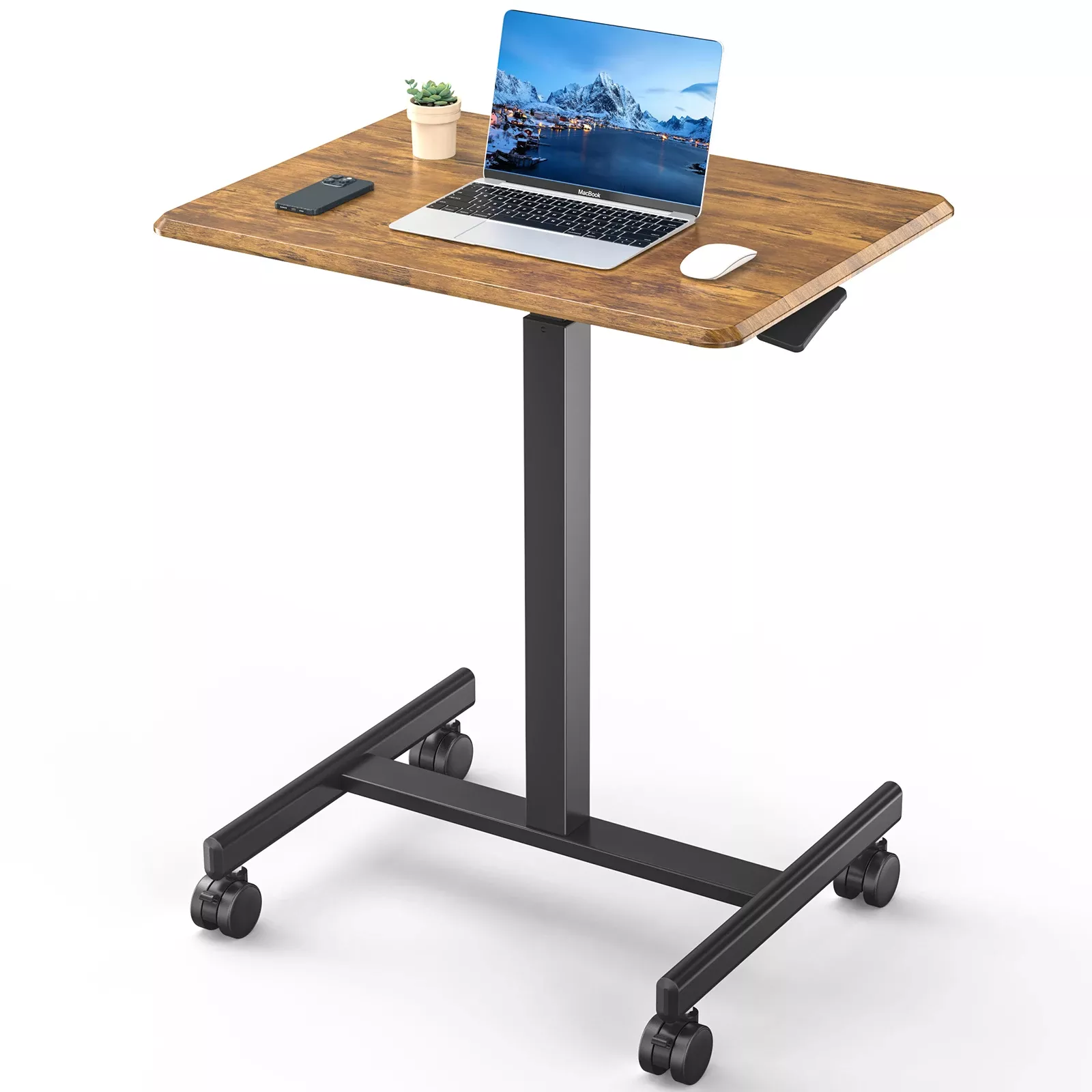
For everyday flexibility—moving from couch to table to bedside—the Portable Height-Adjustable Laptop Desk is designed to support comfortable positioning without the footprint of a permanent workstation. Height adjustability helps you shift between seated and elevated working positions, while the portable form factor makes it easy to store when you’re done.
- Designed for flexible workspaces where a full desk isn’t practical
- Height adjustability supports posture changes throughout the day
- Portable and easier to move between rooms
- Useful for work, study, reading, and general device support
Small add-ons that make a flexible workspace feel complete
Comfort isn’t only about desk height—your environment and movement breaks matter too. These in-stock options pair well with a flexible home setup:
- Quick movement breaks: the Portable 20-in-1 Push Up Board with Resistance Bands makes it easy to add short strength or mobility intervals between work blocks.
- A cleaner, calmer space: the N7S/N7P Cordless Vacuum Cleaner helps keep crumbs and dust from building up around high-traffic work areas like the living room or bedroom.
Care, maintenance, and safety
FAQ
What height should a laptop desk be for comfortable typing?
Aim for a height that keeps your elbows around 90° with relaxed shoulders and neutral wrists. If you raise the laptop to improve screen height, use an external keyboard and mouse so your hands don’t end up too high.
Is it safe to use a laptop desk on a bed?
Yes, as long as the desk is stable and the laptop vents remain clear. Avoid soft bedding blocking airflow, and confirm the legs and locks are secure before you start typing.
How do you reduce wobble on a portable adjustable desk?
Use it on a firm, level surface, fully engage locking mechanisms, and avoid extending the height more than necessary. On a couch or bed, placing a rigid board underneath can create a more stable base.














Leave a comment