

Ultra Short Throw Projector: Auto Focus and WiFi 6
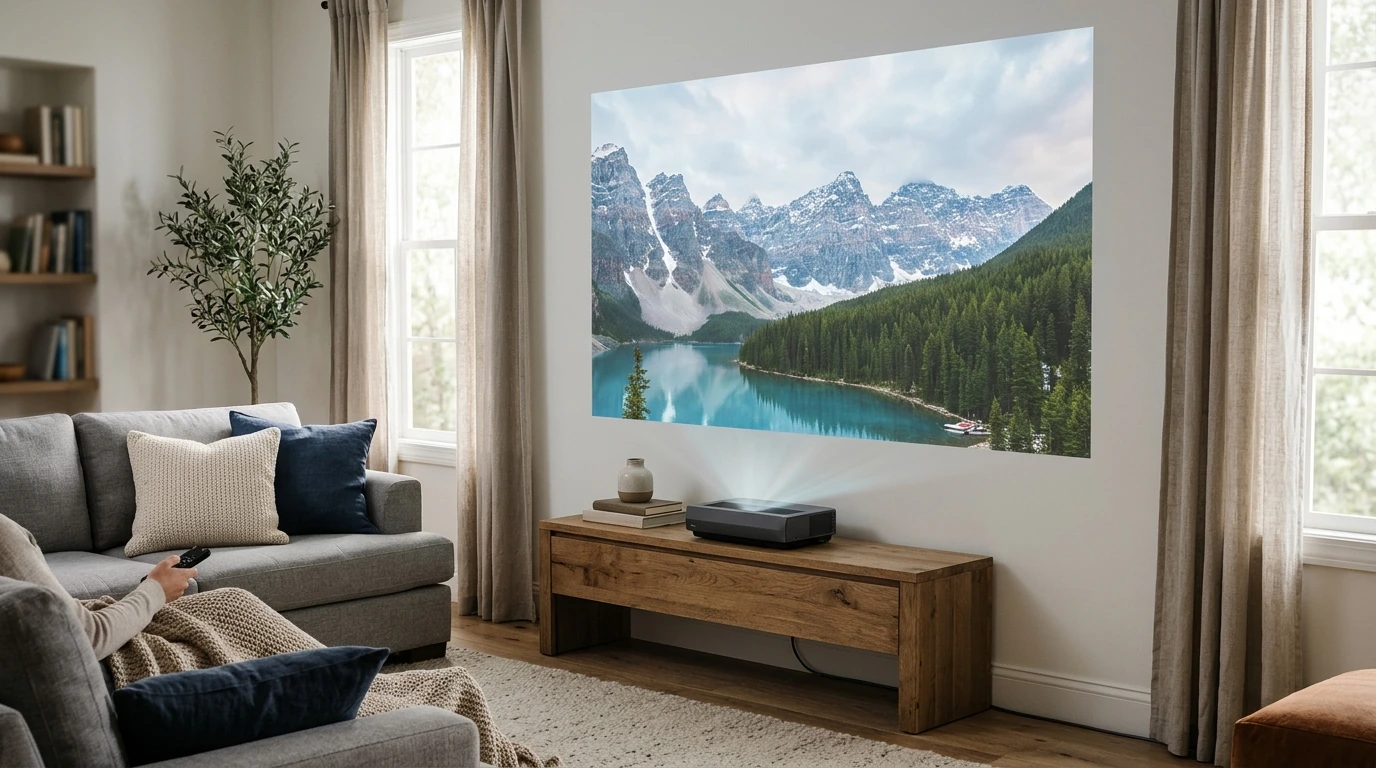
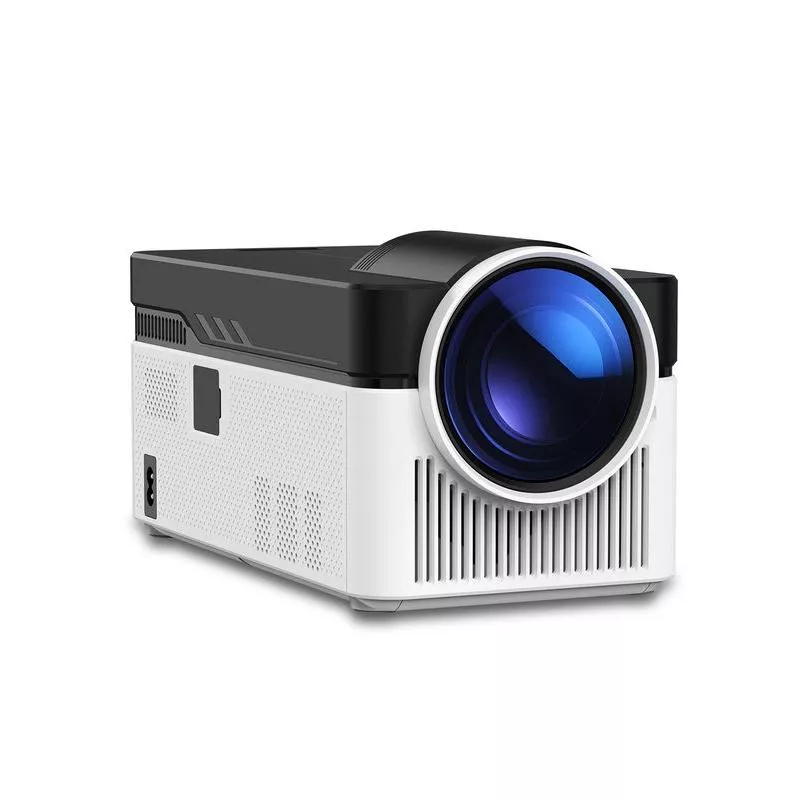
Movie nights, casual viewing, and presentations do not always call for a permanent television setup. Our Ultra Short Throw Projector with Auto Focus and WiFi 6 offers another way to plan a viewing space, with a listed 900 ANSI brightness, auto focus, and WiFi 6.
Its ultra short throw description makes placement near a wall or screen part of the appeal. Before deciding where it will go, though, consider your room, the image size you want, and the connections your devices need.
What the Projector Offers
This projector brings together features that can make a flexible viewing setup appealing. Auto focus is intended to help with image focusing, while WiFi 6 provides a wireless networking option. The listed 900 ANSI brightness gives you a figure to consider alongside your room lighting and preferred image size.
The product title includes both 8K and 1080P, but it does not establish the native display resolution or explain what the 8K label means. If picture detail or a particular video source matters to you, confirm the native resolution and supported input formats before ordering.
| Listed feature | What to consider |
|---|---|
| Ultra short throw | Check the required projection distance for your intended screen size. |
| 900 ANSI | Consider room lighting and screen size when planning your setup. |
| 8K and 1080P | Confirm native resolution and supported input formats before buying. |
| Auto focus | Use it to simplify image focusing; check any setup requirements. |
| WiFi 6 | Check device and network compatibility for your intended wireless use. |
Finding the Right Viewing Spot
An ultra short throw setup is appealing when you would rather place a projector close to the viewing surface than across the room. That can leave more of the room available for seating and other activities. The exact distance still depends on the projector’s throw specifications and the image size you want, so measure your available space before choosing a location.
Start with a flat, stable surface that gives the projector a clear path to a suitable wall or projection screen. A smooth viewing surface can make a difference, especially when you are displaying text or presentation slides. Consider where power and source devices will sit as well, so cables do not need to cross a busy walkway.
Light from windows and lamps can wash out a projected image. Closing curtains or dimming nearby lights can improve perceived contrast and make viewing more comfortable. For a shared room, consider whether you can adjust the lighting without disrupting other activities.
Understanding Brightness and Resolution
ANSI brightness is a useful comparison point when you are shopping for projectors, provided you compare the specifications in context. The listed 900 ANSI figure does not guarantee a particular result in every room. Screen material, ambient light, image size, and the content you watch can all affect what you see.
A larger projected image spreads the available light over more area, which can make it appear less bright. If your picture looks too dim, reducing the image size or darkening the room may help. Think about your usual viewing conditions, not just the largest image you could fit on the wall.
Resolution requires a separate distinction. Native resolution is the number of pixels the projector uses to display an image. Accepted input resolution describes the signal it can receive; accepting a higher-resolution signal does not necessarily mean displaying it at that resolution. Confirm both specifications if you plan to connect a particular media player or want a certain level of detail.
A Simpler Setup with Auto Focus and WiFi 6
Auto focus is intended to help bring the projected image into focus, reducing the need to adjust it manually. Allow room for the projector to sit securely in its intended position, and review any setup requirements before relying on the feature for a presentation or a scheduled movie night.
WiFi 6 is a wireless networking standard, not a promise that every app, device, or casting method will work with the projector. Before you buy, check how you plan to get content onto the screen: you may use a streaming device, computer, or another source, depending on the available connections. The Wi-Fi Alliance provides background on Wi-Fi standards, while HDMI Licensing Administrator offers information about HDMI connections.
Before You Order
Our team recommends measuring your intended viewing area and confirming the throw distance and supported image sizes. Also review the native resolution, ports, and audio arrangements alongside the devices you already own. If you plan to use external speakers, make sure your preferred audio connection is supported.
The projector is listed at $148.01 and is in stock, though price and availability may change. Visit the product page for current purchase details. If you are also shopping for clothing, our Low Waist Cargo Pants are another in-stock option; their price and availability may change too.
FAQ
Does the 8K label mean the projector has native 8K resolution?
Not necessarily. The title lists both 8K and 1080P but does not establish native resolution, so confirm the native resolution and supported inputs before purchasing.
Can this projector be used in a bright room?
The listing states 900 ANSI brightness, but ambient light and image size affect how the picture looks. Dimming the room can make viewing more comfortable.
Does WiFi 6 mean every device can stream to the projector?
No. WiFi 6 describes the wireless networking standard; check compatibility with your devices, apps, and preferred streaming method.














Leave a comment