

Compact Armless PU Leather Office Chair: Lumbar + Swivel
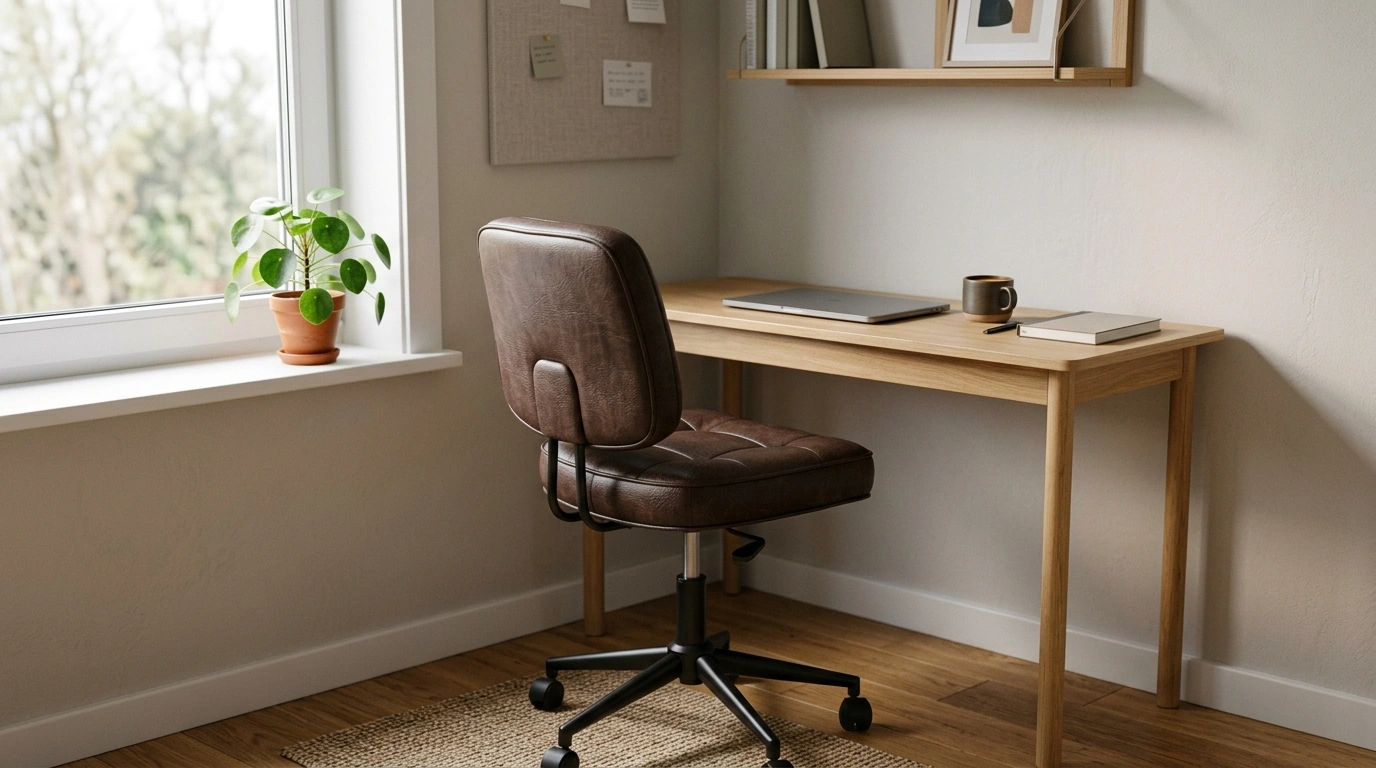
Clean Comfort for Small Workspaces
A work chair should make it easier to focus—especially when space is limited. Our armless PU leather office chair keeps the silhouette simple while still covering the daily essentials: supportive sitting, easy swiveling, and smooth rolling from task to task. It’s a practical pick for home offices, study corners, bedrooms, reception areas, and any setup where armrests get in the way of desks, instruments, or compact layouts.
If you’re building a workspace where every inch counts, an armless design can help your chair tuck in neatly and keep your setup feeling open instead of crowded. When you pair that with lumbar support and 360° mobility, you get a chair that’s ready for everyday admin, study time, and computer work without adding visual bulk.
Why an Armless Design Makes Everyday Work Easier
Armrests can be helpful in some setups, but in smaller rooms they often become the first thing that bumps into your desk or catches on nearby furniture. Going armless is a straightforward way to improve freedom of movement while keeping the chair easy to place.
- Slides closer to the desk: Without armrests, you can pull in for a more natural typing and writing position—especially helpful on shallow desks.
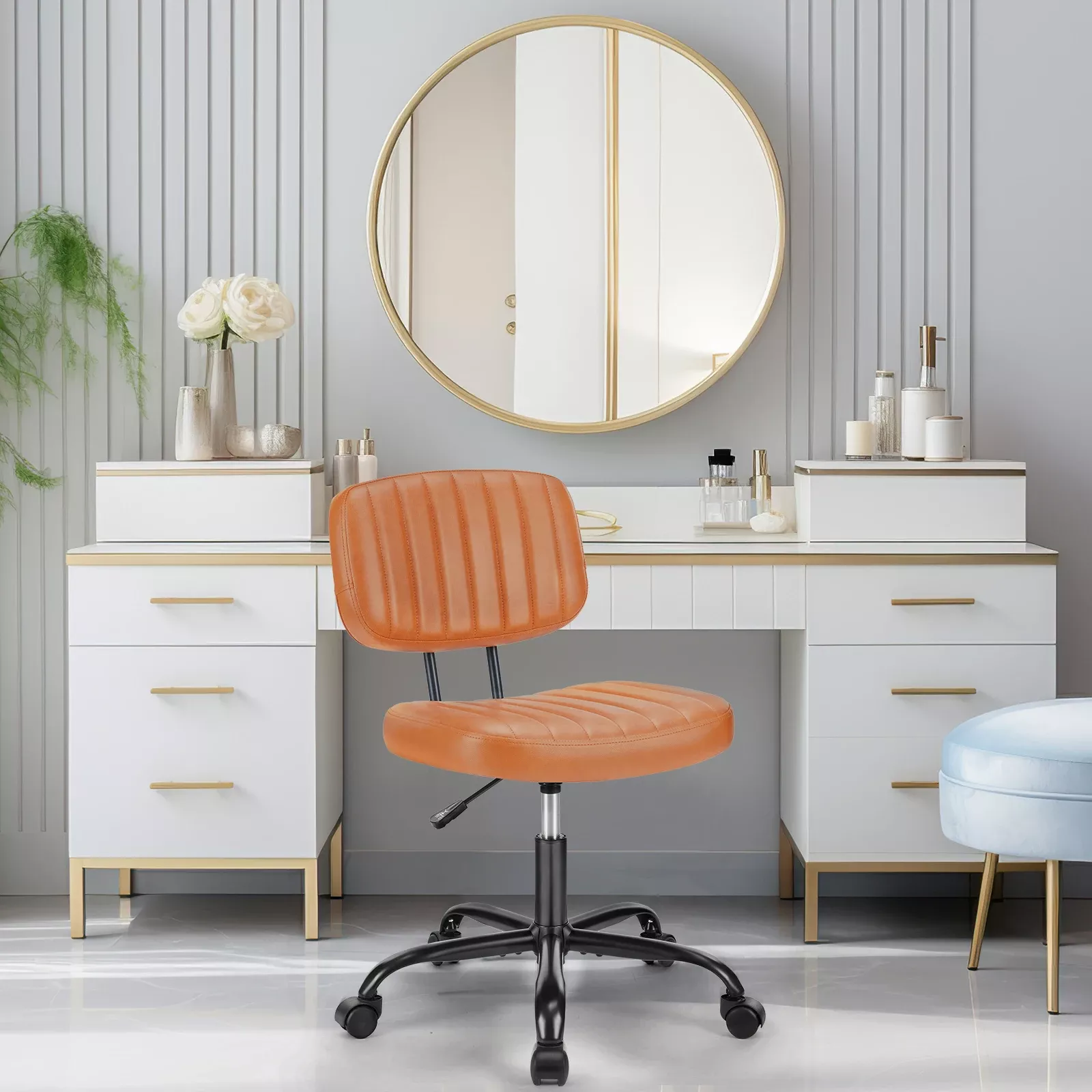
- More elbow room: Armless seating can feel less boxed-in at corner desks, compact workstations, and vanity-style setups.
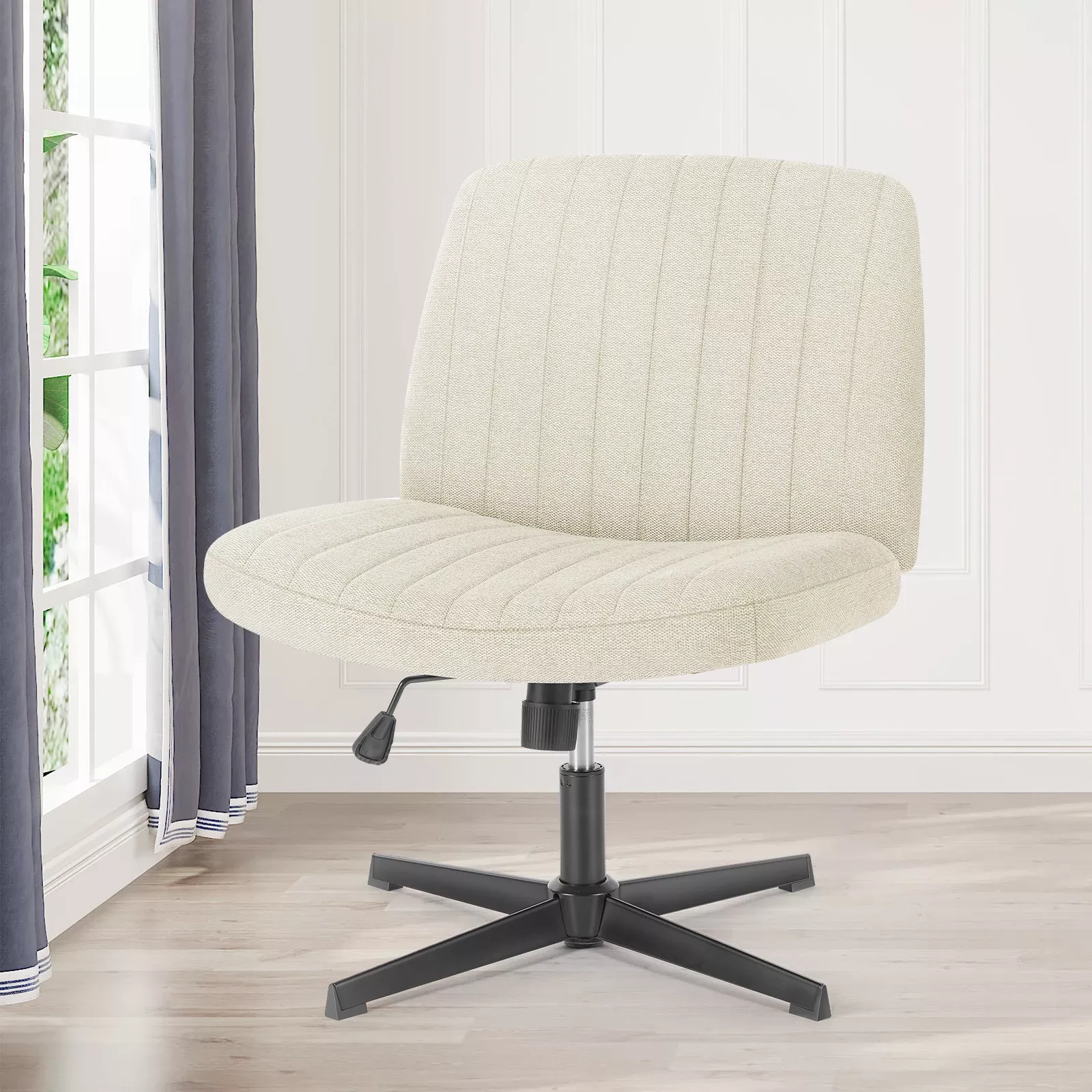
- Flexible sitting styles: If you occasionally sit tucked-in or cross-legged, you won’t have armrests pressing into your sides.
- A lighter visual footprint: In multipurpose rooms (like a bedroom-office combo), the open profile helps the workspace blend in.
Support Where It Counts: Built-In Lumbar Comfort
Long stretches at a computer can quietly pull posture forward. Lumbar support helps counter the “slouch and sink” feeling by encouraging your lower back to stay more neutral while you work.
- Helps reduce gradual slumping: Lumbar support can make it easier to sit back instead of perching on the edge of the seat.
- Pairs well with good desk height: When your forearms are roughly level with the desktop, your shoulders can stay more relaxed.
- Great for focus-heavy tasks: Study sessions, scheduling, writing, and admin work are exactly where posture tends to drift.
- Boosts comfort with simple habits: Sit back, keep feet supported, and take short movement breaks.
For general workstation comfort guidance, resources like the OSHA Computer Workstations eTool and the Mayo Clinic office ergonomics guide offer helpful, practical checkpoints you can apply to almost any desk setup.
Smooth Mobility: 360° Swivel and Rolling Wheels
In a small workspace, the ability to pivot and roll matters more than people expect. Mobility can reduce awkward reaching and help you move between tasks without repeatedly twisting your torso.
- 360° swivel: Easier transitions between a monitor, notebook, and side table—without over-rotating your back.
- Rolling wheels: Useful when the same chair needs to shift from desk work to phone calls or quick meetings.
- Less reaching over time: A chair that moves smoothly helps keep shoulders and upper back more comfortable during repetitive tasks.
- Quick layout tip: Place high-use items (charger, bin, notebook stack) within a short roll instead of an extended lean.
PU Leather: A Tidy, Low-Fuss Finish for Daily Use
For busy households, shared spaces, or anyone who prefers a cleaner look, PU leather is a practical seating finish. It brings a sleek, modern feel and is typically easier to maintain than many textured fabrics.
- Apartment-friendly style: The smooth finish complements modern, minimalist, and multipurpose décor.
- Simple cleanup: Wipe-down care is helpful for coffee-at-the-desk routines or shared work areas.
- Less snagging: A smoother surface can be gentler on knitwear than rougher upholstery textures.
- Care basics: Use a soft cloth, avoid harsh cleaners, and keep away from prolonged direct heat or strong sunlight.
Quick Checklist: Is This Chair the Right Fit for Your Space?
If you’re deciding between a traditional office chair and a slim armless option, it helps to run through a few fast checks before you commit.
At-a-glance guide for choosing an armless PU leather swivel chair
| What to check | Why it matters | Simple tip |
|---|---|---|
| Desk clearance | Armless chairs tuck in closer, saving space | Measure under-desk space and aim for comfortable knee room |
| Posture support | Lumbar support helps maintain a neutral spine | Sit back so the lower back meets the support area |
| Mobility needs | Swivel + wheels reduce twisting and reaching | Place printer/bins within a short roll instead of a reach |
| Surface care | PU leather is designed for easy wipe-down | Use a soft cloth; skip abrasive sponges |
Simple Setup Habits for Better Comfort at the Desk
In-Stock Picks from Our Team
- Armless PU Leather Office Chair with Lumbar Support & 360° Swivel Wheels ($40.01)
- Low Waist Cargo Pants ($54.49)
- Baby Bathing Pillow ($15.99)
FAQ
Is an armless office chair comfortable for long work sessions?
It can be, as long as you set your desk height well and use the lumbar area by sitting back instead of perching forward. For longer sessions, switching positions occasionally and taking short movement breaks helps prevent the discomfort that comes from staying still too long.
Will the swivel wheels work on hardwood or carpet?
They’re designed for general rolling, but how smooth they feel will depend on your flooring. On delicate hardwood or thicker carpet, a chair mat can help protect the surface and keep movement easier.
How do you clean PU leather on an office chair?
Wipe it with a soft, slightly damp cloth, and use mild soap if needed. Avoid abrasive pads and harsh or alcohol-heavy cleaners, then dry the surface promptly.











Leave a comment