

5000Pa Robot Vacuum: A Practical Guide to Auto-Empty
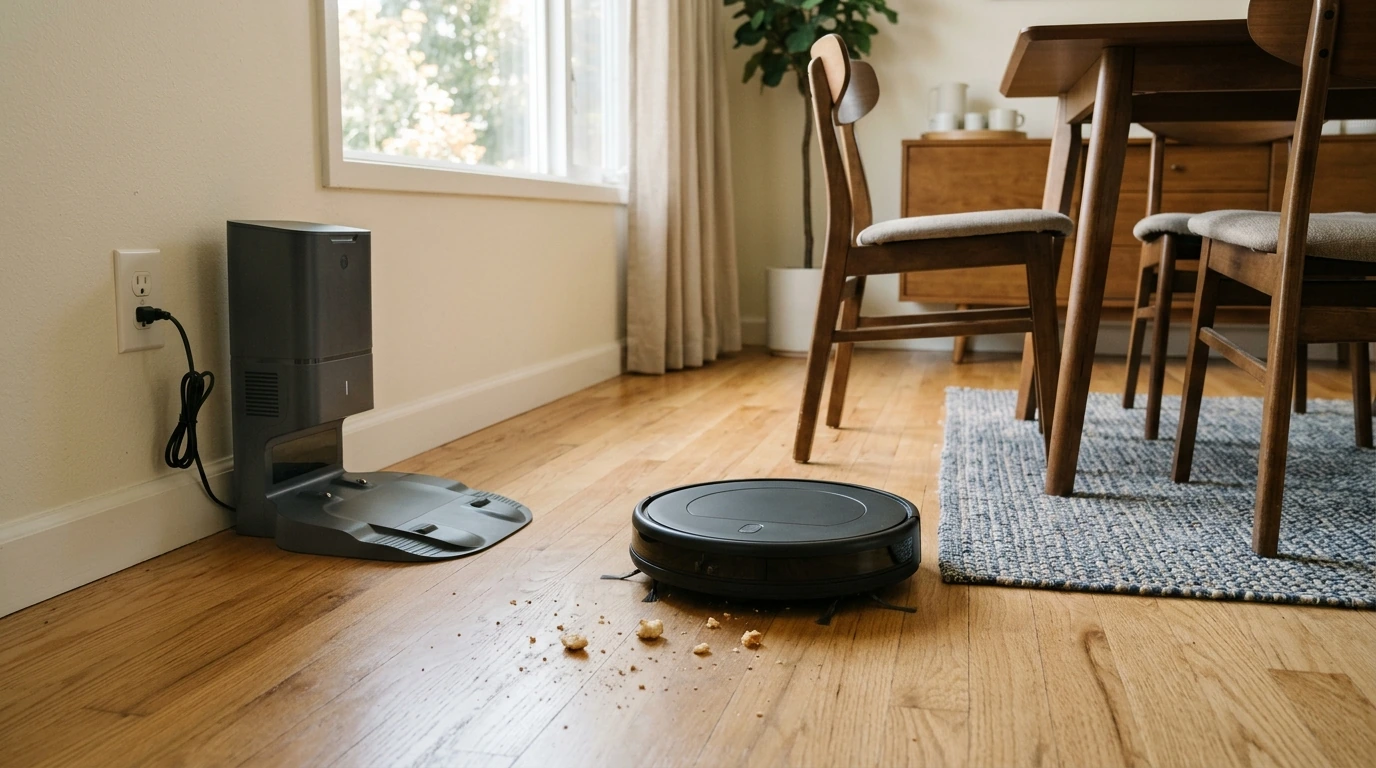
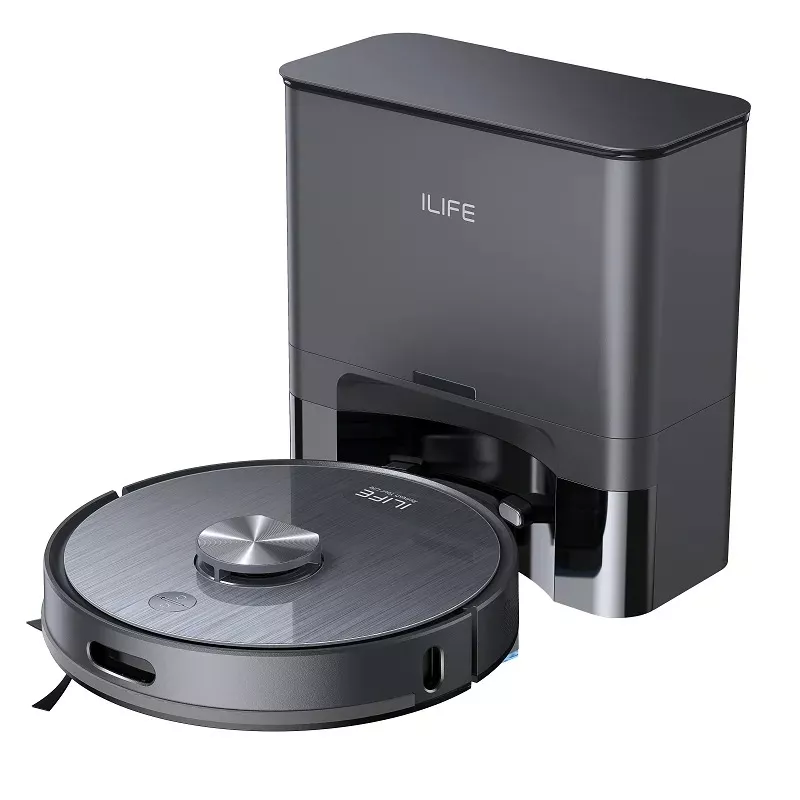
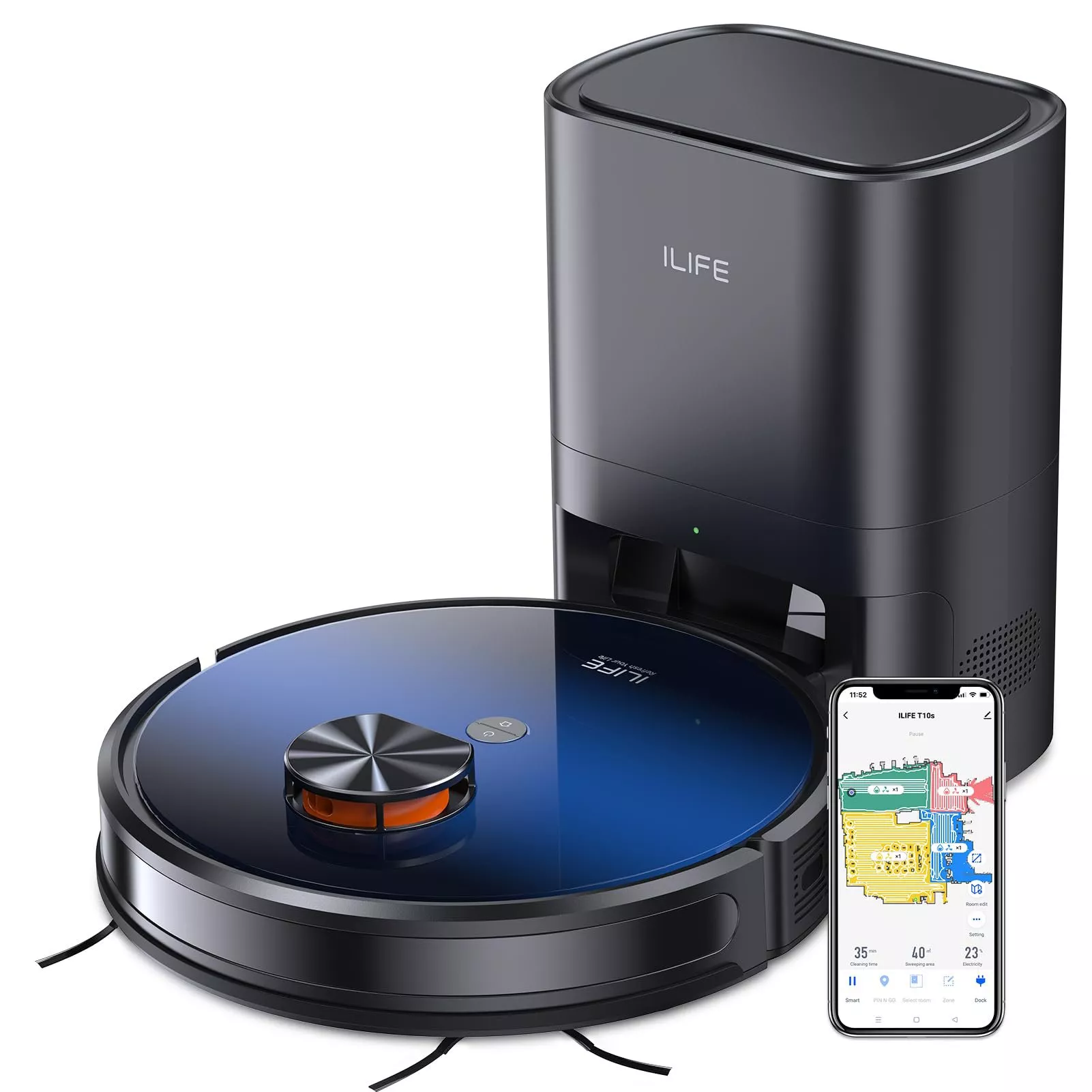
Keeping floors tidy is easier when vacuuming fits into your routine instead of taking it over. Our Smart Robot Vacuum Cleaner with Auto Empty Dock & 5000Pa Suction Power combines a stated suction-pressure rating with a dock designed to empty the robot after a cleaning run. Together, those features can make routine floor care more convenient. The best way to decide whether it belongs in your home, though, is to look beyond the headline number and consider your floors, your everyday messes, and the space you have for a dock.
What 5000Pa suction means for everyday cleaning
Pascals, abbreviated Pa, measure pressure. The stated 5000Pa rating tells you something about the vacuum’s suction pressure; it does not guarantee that every crumb, patch of dust, or tracked-in bit of dirt will be removed on every surface. A robot’s brushes, its path across the floor, and the type of debris all contribute to the result.
Start with the messes you actually see. If crumbs gather around the dining table or fine dirt appears near an entryway, frequent robot runs may help you keep up between deeper cleanings. Hard floors, rugs, and carpet can respond differently, so one suction figure should not be your only reason to choose a vacuum. Our team recommends treating 5000Pa as a useful product specification, then deciding whether a robot’s routine-friendly format suits the areas you want cleaned most often.
Regular cleaning is one part of caring for your indoor environment, but a floor vacuum is not a substitute for addressing sources of indoor pollution or maintaining ventilation. For broader guidance, see the U.S. Environmental Protection Agency’s indoor air quality recommendations.
Why an auto-empty dock can make a difference
A standard robot vacuum may leave you emptying its onboard bin frequently. An auto-empty dock is designed to take on that transfer after cleaning, so you handle collected debris less often. That can be especially appealing if the small task of emptying a bin is what keeps you from running a robot regularly.
Auto-empty does not mean maintenance-free. The dock will still need periodic attention, and the robot itself needs care to keep its cleaning path and working parts in good condition. You will also still want to clean edges, tight spots, or stubborn messes more thoroughly when needed.
Before setting up the dock, find a spot near an outlet with accessible floor space around it. The robot needs a clear route back, and you need enough room to reach the dock when it is time for upkeep. Follow the product’s setup instructions for placement rather than squeezing it into a spot that looks tidy but is difficult for the robot to use.
Match the vacuum to your home
The most useful robot is one you can run without rearranging your whole home each time. Take a quick look at your floors and the objects that tend to land on them. We have not specified performance for a particular carpet height or for pet hair, so avoid assuming either from the suction rating alone.
| Consider | What to check at home | Why it matters |
|---|---|---|
| Floor mix | Note where you have hard floors, rugs, and carpet. | Cleaning results can vary by surface. |
| Loose items | Look for cords, small toys, and other objects on the floor. | A clearer route makes routine cleaning more practical. |
| Dock location | Identify an accessible spot near an outlet. | The robot needs a workable place to return and empty. |
| Maintenance | Consider how often you want to handle collected debris. | An auto-empty dock reduces, but does not eliminate, upkeep. |
If clothing often gets left on the floor, make putting it away part of your pre-cleaning reset. Whether it is a pair of our Low Waist Cargo Pants or anything else from the day, clearing fabric and other loose items gives the robot a more practical route. This small habit matters more to a smooth run than trying to vacuum around clutter.
Build a simple cleaning routine
Begin with the rooms that show dirt first. An entryway may collect tracked-in grit, while a kitchen or dining area may need attention for crumbs. Starting with one or two useful areas makes it easier to see how robot vacuuming fits your schedule before you expand the routine.
Before each run, pick up loose cords and small objects, and make sure the route to the dock is open. You do not need a perfectly arranged room, but a quick floor check can prevent avoidable interruptions. If an area needs hands-on cleaning, take care of that mess separately rather than expecting a routine vacuum run to do every job.
Bring easier floor care home
A stated 5000Pa suction rating and an auto-empty dock make this robot vacuum an option for routine cleaning with fewer bin-emptying interruptions. If your floors are reasonably clear and you have a suitable place for the dock, it may be a practical addition to your cleaning setup. Explore our Smart Robot Vacuum Cleaner with Auto Empty Dock & 5000Pa Suction Power for current price and availability.
FAQ
Does 5000Pa tell me how well a robot vacuum will clean?
It identifies the stated suction-pressure rating. Results also depend on your floor surface, the debris, and the vacuum’s overall design.
Do I still need to maintain a robot vacuum with an auto-empty dock?
Yes. The dock reduces how often you handle collected debris, but the robot and dock still need periodic care according to their instructions.
What should I do before starting a cleaning run?
Clear loose cords and small objects, make sure the dock is accessible, and start with an area where routine vacuuming will be useful.













Leave a comment