

One LED USB-C Cable for MacBook and Samsung Charging
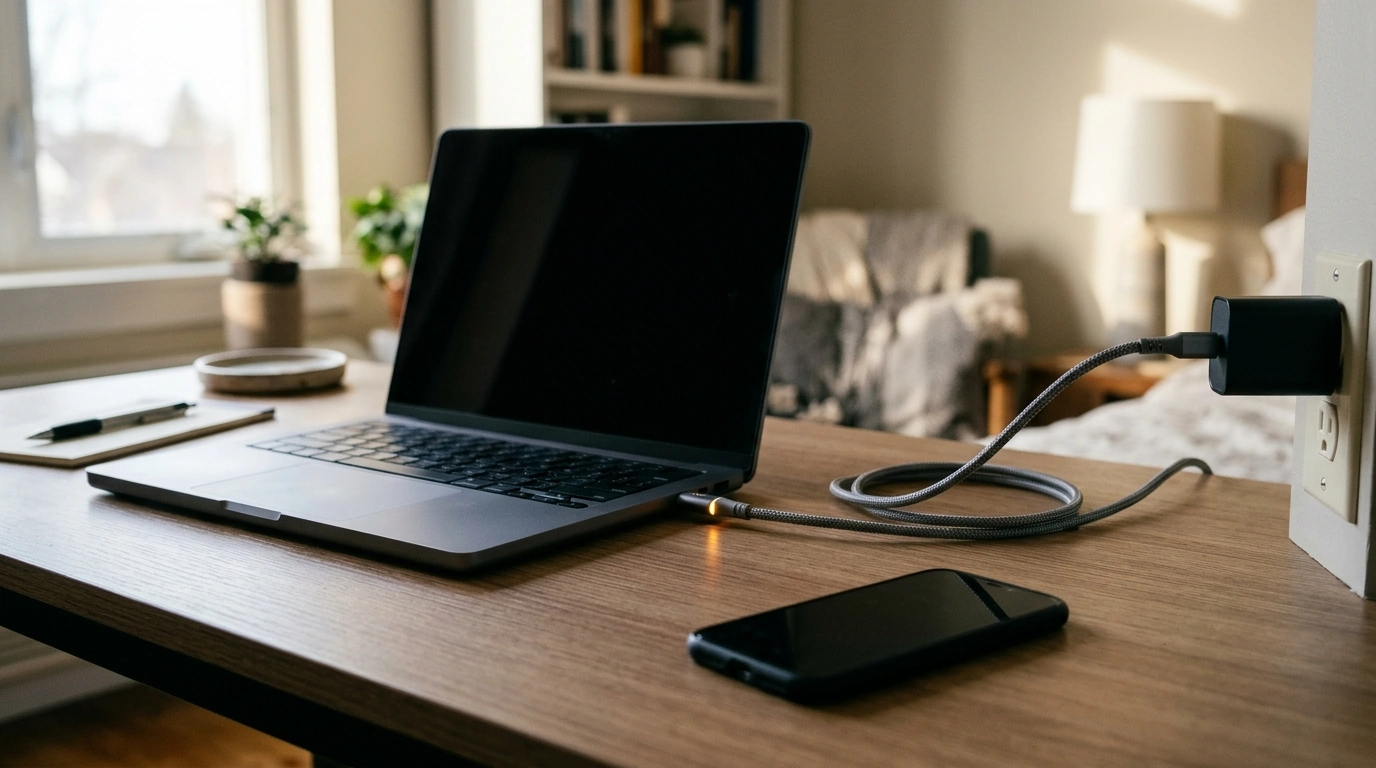
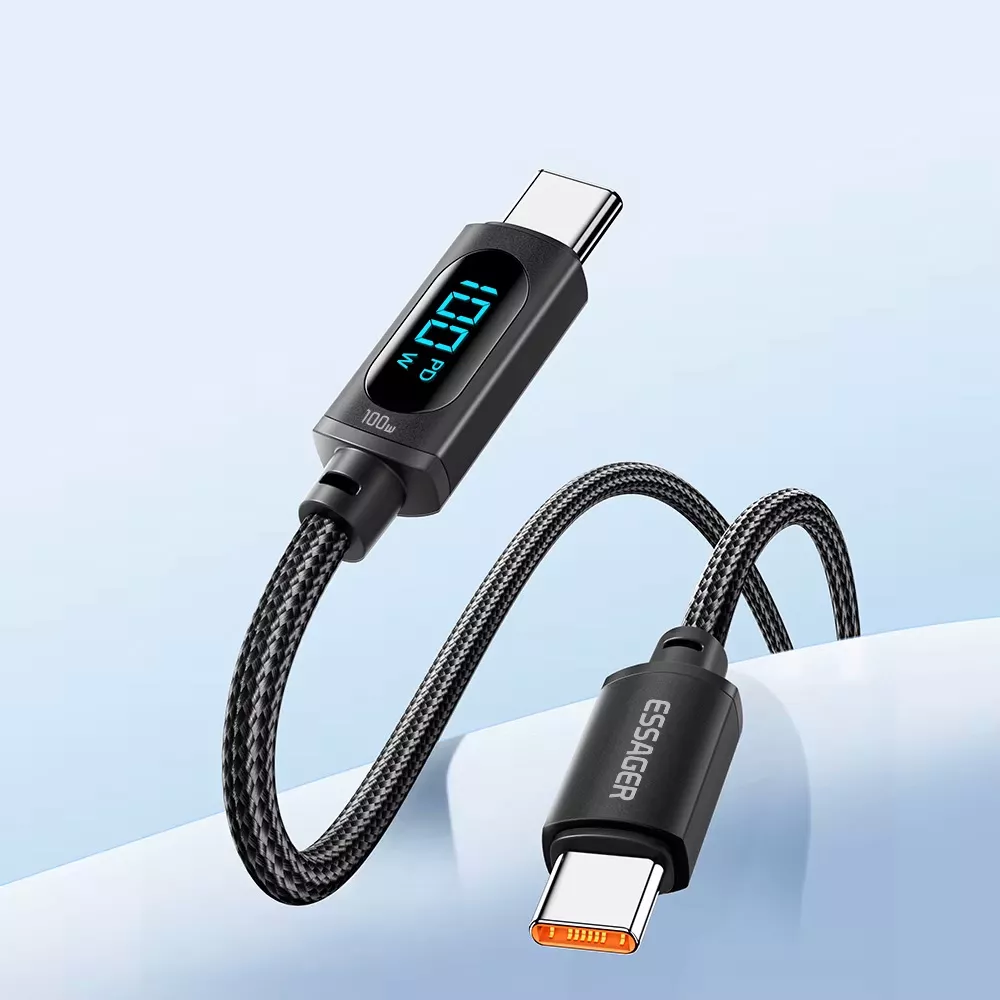
Charging a MacBook at your desk and a Samsung device beside your bed does not always require two different cables. If both devices charge through USB-C, one dependable USB-C-to-USB-C cable can serve both spots. Our LED USB C to USB C Fast Charging Cable is listed for up to 100W charging, with Power Delivery (PD) and QC3.0 support. The useful question is not just what the cable can handle, but whether your charger and devices make a good match for it.
Make the Most of a Shared USB-C Setup
Picture finishing work on your MacBook, unplugging the cable, and using it with a compatible Samsung phone later in the evening. A shared cable can cut down on what you keep at your desk or pack for a trip. The LED is a convenient detail when you are reaching for the cable in a dim workspace or beside the bed; it is not a display of charging speed or battery level.
USB-C describes the connector shape, not a guaranteed charging speed. Two devices may accept the same plug while calling for different amounts of power. Your device, power adapter, cable, and power source all play a part in the result.
What 100W, PD, and QC3.0 Mean for Everyday Charging
The cable’s 100W figure is its listed maximum charging capability. It does not mean every phone, tablet, or laptop connected to it will charge at 100W. A device takes power according to what it supports and what the charger can supply.
USB Power Delivery allows compatible devices and chargers to negotiate an appropriate power level. If you want a closer look at how that works, the USB Implementers Forum’s USB Power Delivery information is a helpful starting point. The same organization explains the connector itself in its USB Type-C overview.
QC3.0 support adds another charging protocol to consider, but it does not guarantee a particular fast-charging mode with every Samsung phone or adapter. Think of the cable’s ratings as one part of a complete setup, rather than a shortcut around your device’s requirements.
Check the Whole Charging Setup
| Component | What to check | Why it matters |
|---|---|---|
| Cable | USB-C at both ends and a listed 100W rating | The cable needs to suit your devices and intended power level. |
| Charger | A USB-C output with suitable protocol support and wattage | A cable cannot increase the power a charger provides. |
| Device | USB-C charging support and accepted power level | The device controls how much power it takes. |
| Power source | A working outlet or adequately powered hub | The available supply can limit charging performance. |
Choose the Right Charger for Your MacBook or Samsung Device
Start with your specific model rather than assuming every MacBook or Samsung device has the same charging requirements. For a MacBook, pair the cable with an appropriately rated USB-C PD charger. A lower-wattage adapter may still provide power, but charging can be slower, especially while you are using the laptop.
For a Samsung phone or tablet, look at both the device’s supported fast-charging standard and the adapter’s specifications. The cable’s PD and QC3.0 listing alone is not a promise of Samsung Super Fast Charging. That mode depends on the compatible combination of device and charger, as well as a suitable cable.
Where you plug in matters, too. A USB-C port on a computer or hub may deliver less power than a dedicated wall charger. If charging seems slower than you expected, compare the adapter or port’s output with your device’s requirements before replacing the cable.
A Small Detail That Fits Daily Routines
Our LED USB C to USB C Fast Charging Cable 100W PD QC3.0 makes sense anywhere you regularly charge compatible USB-C devices. The LED is a useful touch when locating the cable in low light, without adding another screen or app to your routine. Keeping a spare cable at a charging station or in a work bag can also save you from moving your everyday cable back and forth.
A little care helps any cable remain easy to use: avoid sharp bends where the cord meets the connectors, keep device and charger ports clear of debris, and unplug by holding the connector rather than tugging the cord. Those habits are especially helpful for a cable that travels with you.
If you are putting together an everyday bag beyond your charging gear, you can also browse our Low Waist Cargo Pants. For the charging part of your kit, though, focus on your devices and adapter first: those specifications tell you far more than the connector shape alone.
Ready to Simplify Your Charging Kit?
Confirm that your MacBook and Samsung device charge through USB-C, then compare each device’s needs with the charger you plan to use. If the pieces fit, our LED USB-C cable offers one option for both compatible charging setups. Take a look at the product when you are ready to streamline what you keep on your desk or carry with you.
FAQ
Will a 100W USB-C cable charge my phone at 100W?
No. Your phone takes only the power it supports, provided the charger and cable are compatible.
Can I use the same cable for a MacBook and a Samsung phone?
Yes, if both devices charge through USB-C. Match the charger to each device’s power and fast-charging requirements.
Does this cable support video output?
Video capability is not specified. If you need to connect a display, choose a cable with an explicitly stated video specification.














Leave a comment