

Mini 4K Android Projector: 290 ANSI, Wi‑Fi + BT 5.4
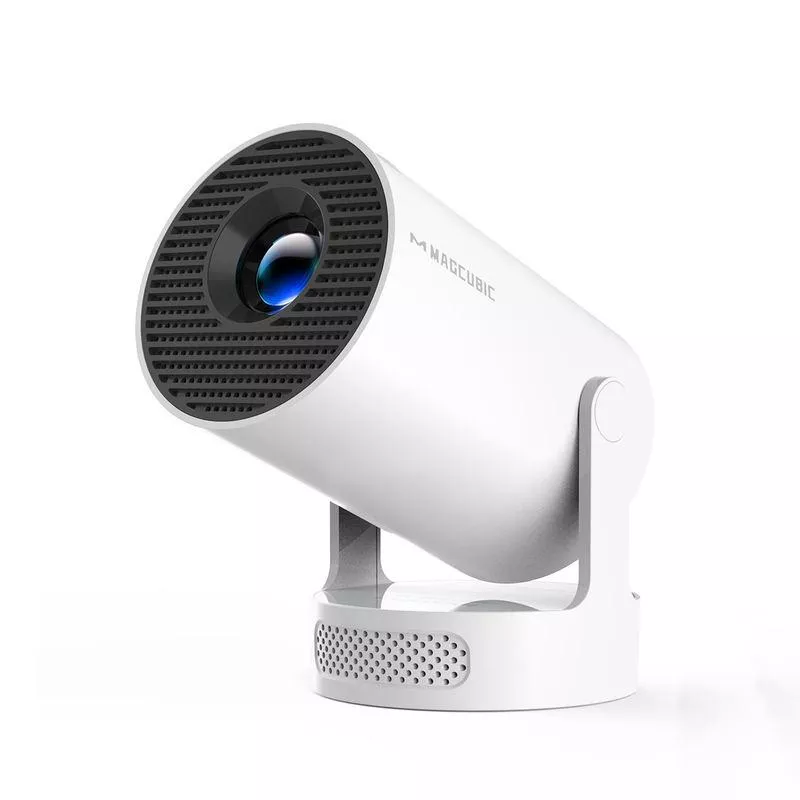
Mini 4K Projector with Wi‑Fi, BT 5.4, and Android 11: Compact Screen Time for Home & Outdoors
A compact projector can turn a bedroom wall, patio, or campsite into a big-screen setup without hauling a full home-theater rig. This guide breaks down what matters for picture, sound, connectivity, and placement when choosing a small Android projector with Wi‑Fi and Bluetooth—plus practical tips to get the best results from 290 ANSI brightness in real rooms and outdoor spaces. For more guidance, see Projector – Amazon.com.
What This Compact Projector Is Built For
Small Android projectors are designed around convenience: quick setup, lightweight carrying, and flexible playback options. A model in the 290 ANSI range tends to shine in controlled lighting rather than competing with daylight. For further reading, see Mini Projector 4K Smart Projector, Support Full HD 1080P with Dual ….
- Quick movie nights and casual streaming in small to medium spaces where portability matters more than maximum brightness.
- Outdoor viewing after sunset: best performance comes when ambient light is low and the screen surface is controlled.
- All-in-one convenience: Android 11 enables app-based playback without always needing a separate streaming stick.
- Wireless flexibility: Wi‑Fi for streaming/casting and Bluetooth 5.4 for pairing speakers or headphones.
Key Specs That Affect Real-World Viewing
Brightness (290 ANSI) and why the room matters
Brightness is the single biggest “reality check” spec. ANSI lumens are measured in a standardized way (see ANSI), but the viewing result still depends heavily on ambient light and image size. To keep movies looking punchy, use darker rooms, avoid direct lamps aimed at the screen, and resist the temptation to go oversized.
Resolution claims vs. perceived detail
On many compact models, “4K” commonly refers to 4K input support rather than native 4K imaging. The perceived sharpness comes from the projector’s native panel, lens quality, and how accurately you focus. Sitting slightly farther back can also make a modest-resolution image look cleaner and more cinematic.
Throw distance and screen size
Projectors don’t magically create more light when you expand the image—larger screens spread the same brightness over more area. If the picture looks dim, the fastest fix is usually to shrink the image (move the projector closer or choose a smaller screen).
Focus and keystone
Focus is what keeps subtitles crisp and faces detailed. Keystone correction is helpful when placement isn’t perfectly centered, but aggressive digital correction can soften corners. A good habit: level and align first, then apply only moderate keystone tweaks.
| Scenario | Suggested screen size | Lighting | What to expect |
|---|---|---|---|
| Bedroom / dorm | 60–90 in | Lights off or very dim | Comfortable brightness and good contrast for movies and shows |
| Living room | 50–80 in | Some lamps on | Watchable for casual content; deeper blacks will look washed |
| Backyard movie night | 70–100 in | After dark | Best use case; add a screen for cleaner contrast |
| Daytime patio | Up to 60 in | Bright ambient light | Image will look faint; shade and a smaller size help |
Android 11: Streaming, Apps, and Common Setup Steps
An Android-based projector aims to be a “single box” solution: power it on, connect to Wi‑Fi, sign in, and start watching. Android compatibility can vary by app and device requirements, so it helps to keep a reliable fallback option ready.
- Wi‑Fi setup: connect to a stable network first; streaming quality depends heavily on signal strength and bandwidth.
- App access: use built-in app installation where available; for protected streaming apps, compatibility can vary by device and app requirements.
- Best practice for smooth playback: close background apps, keep system storage from filling up, and update apps when possible.
- Alternative playback options: HDMI devices (streaming sticks, consoles, laptops) remain the most reliable route for any app that resists installation or playback.
If you’re troubleshooting odd behavior, Android’s general best practices still apply—stable networking, updated apps, and enough free storage (reference: Android Developers).
Wi‑Fi and Bluetooth 5.4: How to Get Better Sound and Fewer Dropouts
Placement, Screen Choices, and Outdoor Tricks
Pick the surface like it’s part of the projector
Stabilize first, then fine-tune
Control stray light outdoors
Plan power and accessories
Who This Model Fits Best (and Who Should Upgrade)
Product Snapshot and What Comes Next
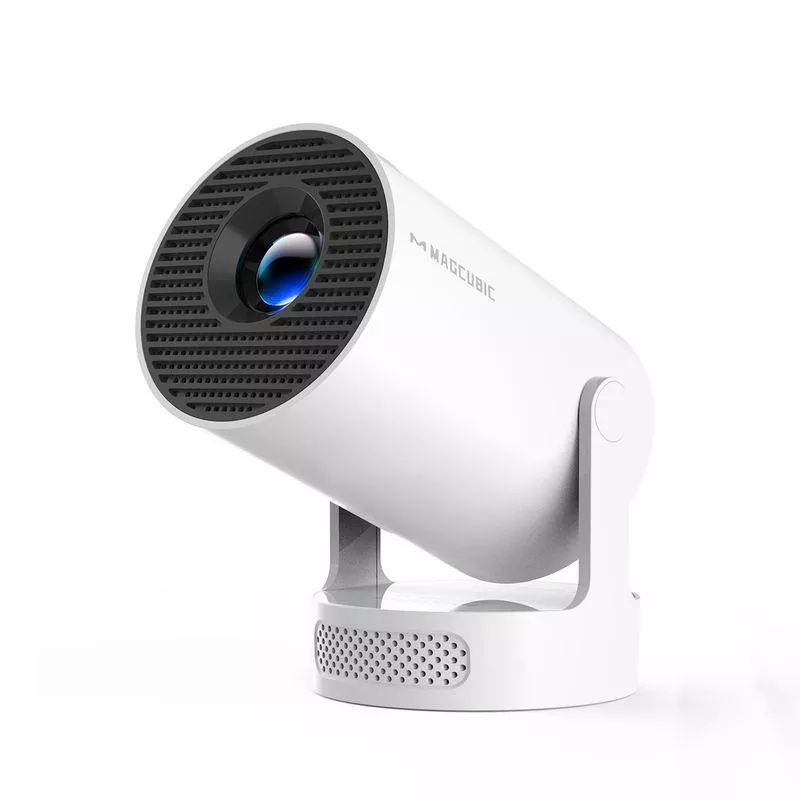
If the goal is quick setup and flexible playback, the Mini 4K Projector with Wi‑Fi, BT 5.4, and Android 11 – 290 ANSI, Compact, Outdoor & Home Theater is set up for easy carrying, app-based viewing, and wireless audio pairing. A sensible next step is choosing a target screen size and environment first—then building the setup around light control and sound.
For outdoor nights, comfort items can matter almost as much as the tech. If you’re putting together a backyard “movie kit,” consider warm layers like an autumn-womens-coat and relaxed options like Low Waist Cargo Pants for longer sit-down viewing.
| Item | Detail |
|---|---|
| Platform | Android 11 |
| Wireless | Wi‑Fi, Bluetooth 5.4 |
| Brightness | 290 ANSI lumens |
| Use cases | Compact home theater, outdoor movie nights (after dark) |
| Price | $55.67 (in stock) |
FAQ
Is 290 ANSI bright enough for outdoor movies?
It works best after sunset or in very low light. Keep the screen size moderate (often 70–100 inches) and use a proper screen to improve contrast.
Can Bluetooth speakers be used without audio delay?
Some delay is common with Bluetooth audio, especially for video. If lip-sync is noticeable, switch to wired/HDMI audio when possible or reduce extra processing features that add latency.
Does “4K projector” mean it displays native 4K?
Often it indicates 4K input support rather than native 4K display resolution. Perceived sharpness depends on native imaging, lens focus, and how large you project the image from your seating distance.













Leave a comment