

Mobile Height-Adjustable AV Cart with Power & Cable Control
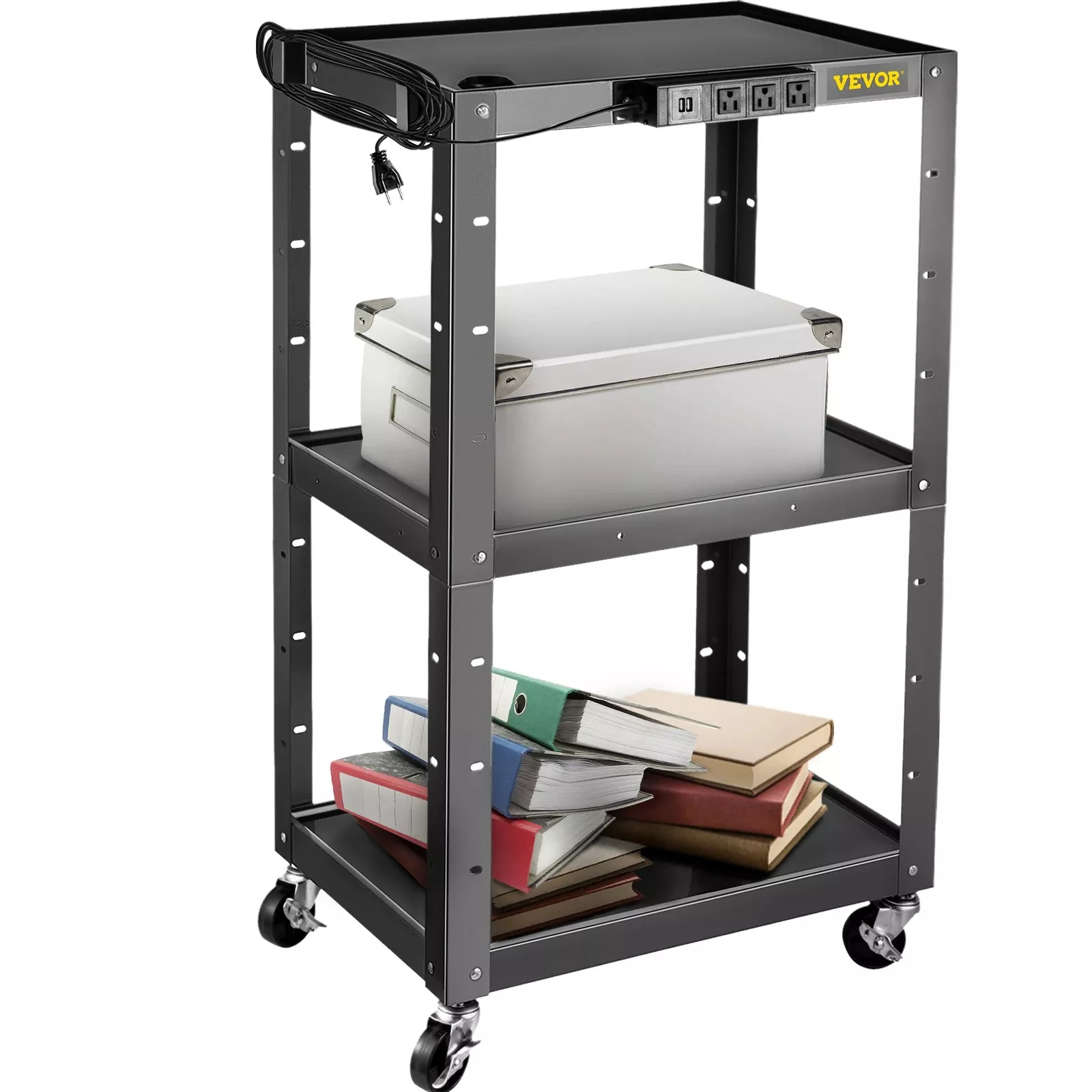
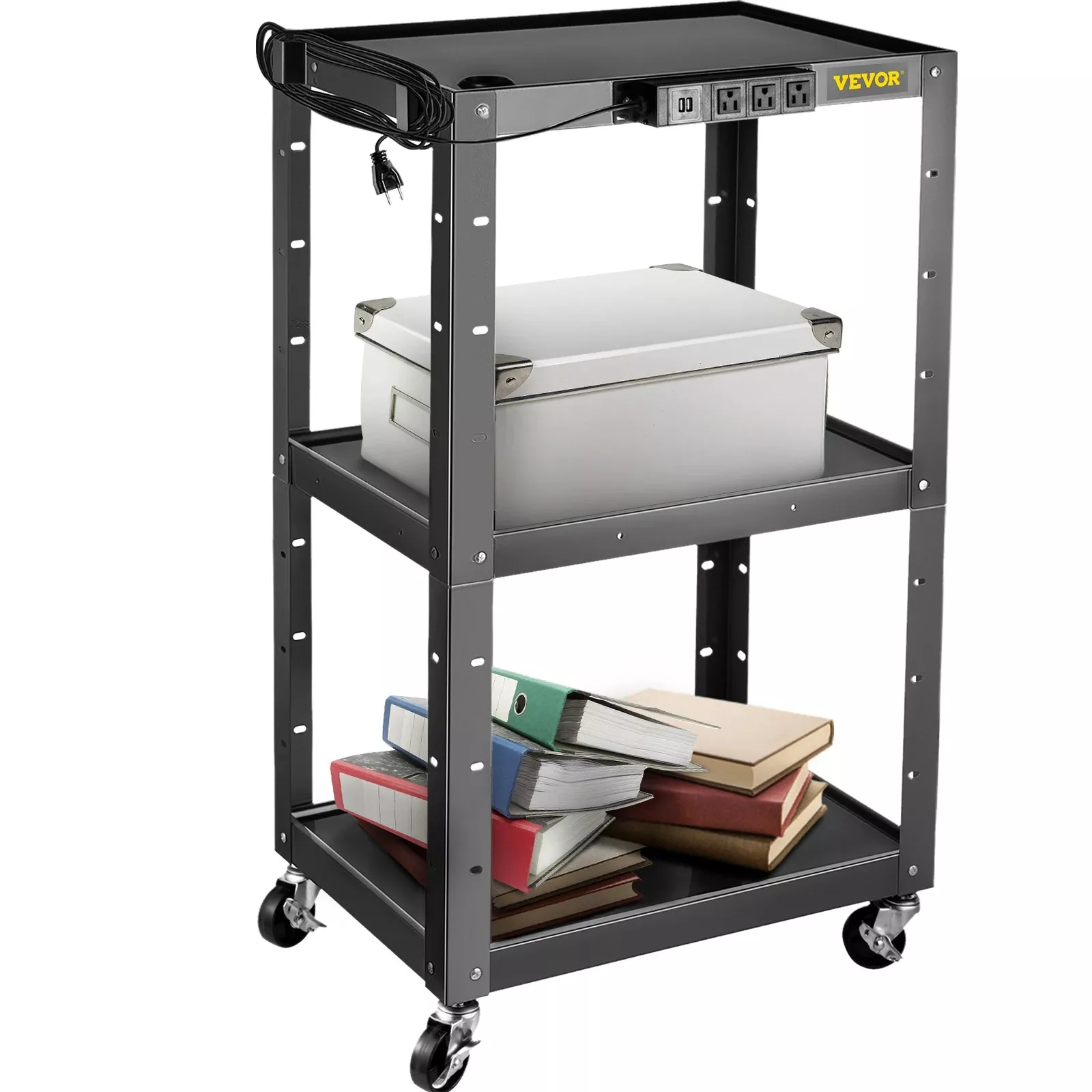
Height Adjustable AV Cart with Power Strip & Cord Management
A mobile AV cart should keep equipment stable, cables controlled, and power within easy reach—without turning setups into a tangled, tripping-prone mess. This height adjustable AV cart combines an integrated power strip with built-in cord management to support cleaner installs for classrooms, conference rooms, training spaces, and pop-up demos.
What This Cart Is Built For
When presentations move from room to room, the biggest time-wasters are usually power access and cable cleanup. A height adjustable AV cart with an onboard power strip and dedicated routing points is designed to keep the setup consistent, even when the space (and the presenter) changes.
- Mobile workstation for projectors, laptops, document cameras, small mixers, or streaming gear
- Fast roll-in/roll-out setups where power access and cable routing matter
- Shared spaces that need adjustable working height for different presenters and room layouts
- Cleaner front-of-room appearance with fewer loose cords visible
Height Adjustment: Getting Screens and Gear to the Right Level
Height adjustment does more than make a cart comfortable to use—it can solve alignment problems that otherwise lead to improvised “fixes” like stacking books under a projector or awkwardly angling a camera.
- Adjustable height helps align projector throw, camera angles, and presenter ergonomics without stacking books or improvised risers
- Supports both seated and standing use cases (training sessions, live demos, lecterns)
- Look for a height range that matches common needs: laptop typing height, projector alignment, and comfortable cable reach
- After adjusting height, re-check cable slack so cords don’t tug when the cart moves
A helpful habit is to set the cart’s height first, then connect devices and secure slack. If you frequently switch between a seated instructor and a standing presenter, leave an extra service loop near key ports so repeated adjustments don’t strain connectors.
Integrated Power Strip: Cleaner Power Distribution on the Move
An integrated power strip can simplify a whole setup by keeping power where the devices actually live—on the cart—rather than relying on multiple adapters and extra cords across shelves.
- Built-in power strip reduces the need for multiple extension cords and adapters scattered across shelves
- Keeps device plugs close to equipment to minimize cable loops and dangling runs
- Best practice: avoid daisy-chaining power strips; plug the cart into a properly rated wall outlet
- Use the strip for low-to-moderate AV loads (laptop, projector, speakers) and keep high-draw devices on separate circuits when required
For safety planning, it helps to follow general guidance on electrical and cord-use practices from recognized standards organizations. References like the NFPA’s National Electrical Code (NEC) overview and UL safety standards resources can clarify why overloads, damaged cords, and improvised power distribution should be avoided.
Cord Management: Reducing Snags, Trips, and Signal Problems
Cables are often the hidden failure point in mobile AV. A tidy route prevents accidental unplugging, reduces snag risk at doorways, and makes it easier to troubleshoot when something doesn’t display or audio drops out.
- Cord routing keeps HDMI, power, and audio lines organized so they don’t catch on doorways or chair legs
- Separating power cables from signal cables where possible can help reduce interference in sensitive audio/video setups
- Create a repeatable routing pattern: power to one side, signal to the other, and secure slack near devices
- Use hook-and-loop straps for serviceability; reserve zip ties for permanent sections
| Step | What to do | Why it helps |
|---|---|---|
| 1 | Bundle device cords by function (power vs. signal). | Reduces tangles and simplifies troubleshooting. |
| 2 | Leave a small service loop near each device. | Prevents strain on ports when height changes or the cart rolls. |
| 3 | Secure slack to the cart frame or cable channel. | Stops cords from dragging or snagging. |
| 4 | Route the main power cord along a single path to the floor. | Minimizes trip hazards and accidental unplugging. |
| 5 | Re-check after moving the cart. | Cables can shift, especially around corners and thresholds. |
Trip hazards are a real operational concern in shared rooms and busy hallways. Guidance on preventing slip/trip incidents can be found in resources like OSHA’s Walking-Working Surfaces page, which is useful for thinking through cable placement, pathways, and housekeeping.
Mobility and Stability: Rolling Without Wobble
A cart that rolls well is easier to position precisely and less likely to yank cables or jostle sensitive gear. Stability also matters when someone leans in to plug in HDMI, swap a laptop, or adjust volume.
Common Setups That Work Well
Quick Setup Tips for Day-One Use
Product Options
- Height Adjustable AV Cart with Power Strip & Cord Management ($105.17): a practical all-in-one choice for mobile presentations where power access and cable control need to stay consistent from room to room.
- Low Waist Cargo Pants ($54.49): a casual, pocket-forward option for days when you’re carrying adapters, markers, and small tools between rooms.
Care and Safety Notes for Long-Term Use
FAQ
Can the power strip stay plugged in while rolling the cart?
It’s safer to unplug before moving. Rolling while plugged in can create a trip hazard, snag the cord on obstacles, and put strain on the outlet and plug if the cart shifts or hits a threshold.
How should cables be routed to avoid snags and signal issues?
Route power and signal cables on separate paths when possible, leave small service loops near device ports, and anchor slack to the frame or cable channel. Hook-and-loop straps make it easy to adjust routing without cutting ties during reconfigurations.
What equipment fits best on an adjustable AV cart like this?
Laptops, projectors, document cameras, small speakers, switchers, and compact streaming gear are ideal. Place heavier items on lower shelves for stability, and keep frequently used ports and controls accessible at the working height.













Leave a comment