

Charging a Cat Laser Toy: USB Steps, Lights & Safety
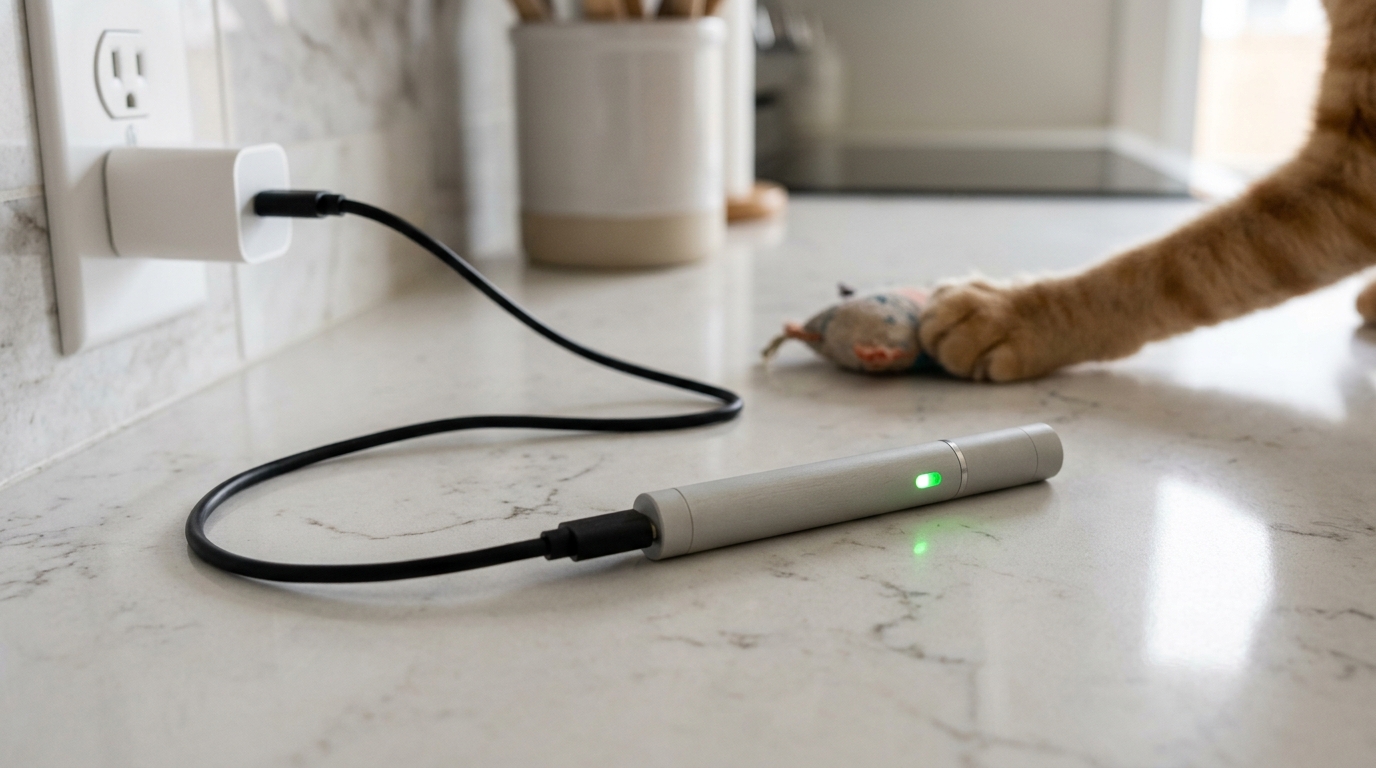
How to charge a cat laser?
Most cat laser toys charge the same way a phone does: with a USB cable and a built-in rechargeable battery. The exact steps depend on whether your laser is a simple handheld pointer or an automatic, USB-rechargeable cat toy with a charging port.
1) Find the charging port and cable
Look for a small port on the toy body (commonly micro-USB or USB-C). Use the included cable when possible. If it’s an automatic laser toy with a removable cover, the port is often behind a rubber flap or inside the compartment.
2) Plug into a safe power source
Connect the cable to a standard USB power source such as a computer USB port or a 5V wall adapter. Avoid fast-charging adapters unless the product instructions specifically say they’re supported, since higher-voltage chargers can shorten battery life or prevent proper charging.
3) Watch the indicator light
Many rechargeable laser cat toys have a small LED that changes color or turns off when fully charged. If the light doesn’t turn on, re-seat the cable, try a different USB port, and confirm the toy is switched off (some models only charge reliably when powered down).
4) Charge fully before first use
For the first charge, it’s best to leave the toy connected until the indicator shows it’s full. After that, top-ups are usually fine. If run time suddenly drops, a full recharge cycle can help recalibrate the battery indicator on some devices.
5) Keep charging contacts clean and dry
Dust, pet hair, or moisture near the port can interrupt charging. Unplug the device, gently wipe around the port, and let it dry completely before charging again.
For model-specific tips on USB rechargeable automatic laser toys (including what to expect from charge lights and run time), see the full guide here: https://luxjoy.shop/guide-usb-rechargeable-automatic-led-laser-cat-toy/.
FAQ
How long does a rechargeable laser cat toy usually take to charge?
Most USB-rechargeable laser cat toys take about 1–3 hours, depending on battery size and power source. The indicator light is the most reliable sign that charging is complete.
















Leave a comment