

LED Projector Not Working? Quick Troubleshooting Steps
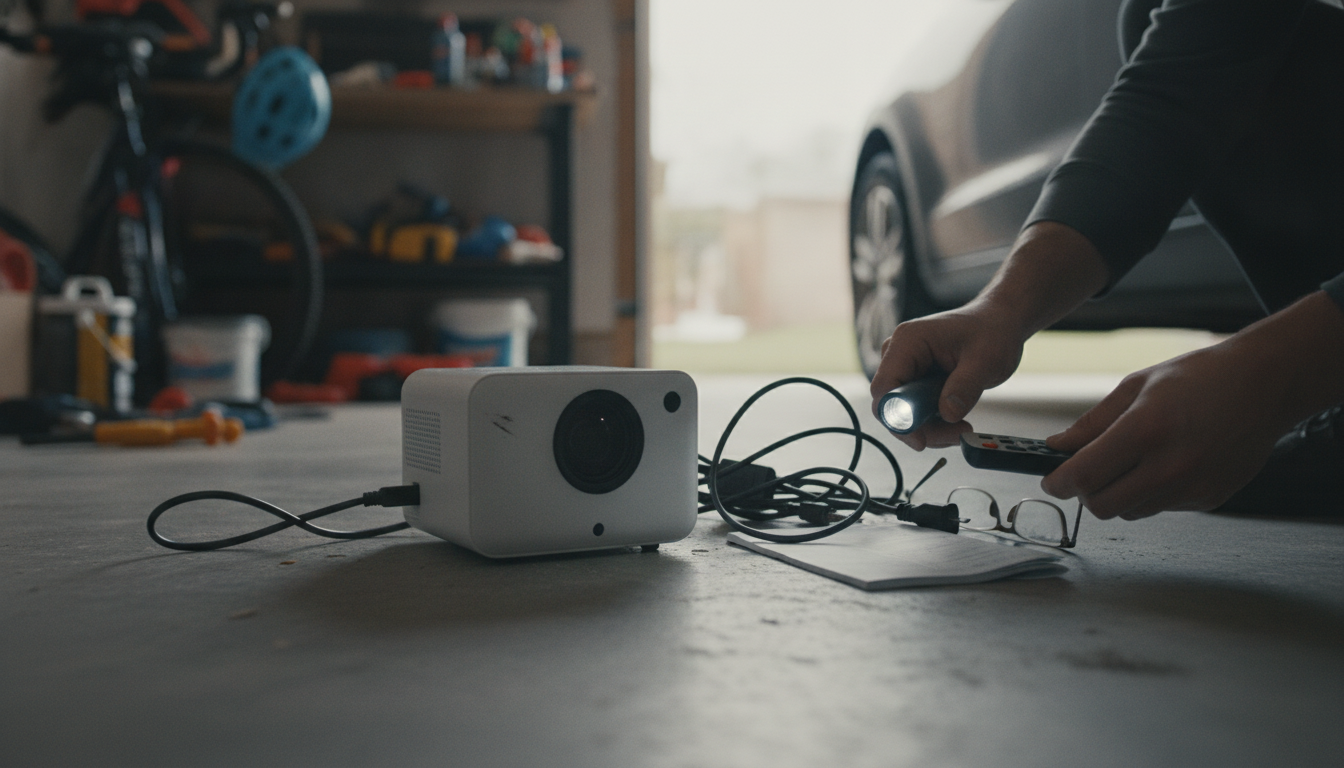
Why isn’t my LED projector working?
When an LED projector suddenly won’t turn on, won’t light up, or seems “stuck,” the issue is usually power-related, a simple setting mismatch, or a connection that isn’t fully seated. Before assuming it’s defective, run through a quick, systematic check.
1) Confirm power (and the right kind of power)
Start with the basics: try a different wall outlet, then swap to another USB cable and power adapter if your model uses USB. Some projectors won’t run reliably from low-output USB ports (like certain TVs or older laptop ports). If the unit has a battery, charge it for at least 30–60 minutes, then try powering on again.
2) Check the on/off and mode controls
Many LED galaxy-style projectors have multiple lighting modes, brightness levels, and timers. If the projector “turns on” but you see no light, it may be set to a dim level, a single effect you can’t easily notice in a bright room, or a timer/shutoff mode. Darken the room and cycle through modes and brightness settings.
3) Verify the remote and its battery
If your projector relies on a remote for certain functions, replace the remote battery and ensure there’s a clear line of sight to the sensor. Remove any protective plastic tab in the battery compartment if it’s new. If buttons seem unresponsive, try controlling the projector using its onboard buttons (if available) to isolate whether the remote is the problem.
4) Inspect ports, caps, and internal obstructions
Unplug the device and look closely at the power port for dust or looseness. If your model has a lens cap, protective film, or cover, remove it. For projector night lights, even a slightly misaligned cover or dome can make the effect look “off” or unusually dim.
5) Use the official setup steps for your model
Model-specific button sequences and indicators matter. For a guided walkthrough of setup, controls, and sleep-friendly tips, follow this step-by-step guide: Galaxy LED Night Light Projector Setup & Sleep Tips.
FAQ
Why does my LED projector turn on but not project stars?
Increase brightness, switch to a different lighting effect, and test in a dark room. Also confirm any dome/cover is properly seated and that no lens cap or protective film is blocking the light.














Leave a comment